AI automation is no longer a pilot project sitting in a tech sandbox. It runs live in sales pipelines, support desks, finance back offices, and engineering workflows every single day. This guide breaks down practical examples of AI automation by business function. You will see exactly what gets automated, which tools connect the dots, and the measurable outcomes teams track.
What Is AI Automation?
AI automation merges artificial intelligence with business process tools to create adaptive workflows. Traditional rule-based systems follow fixed paths and break the moment inputs change or edge cases appear. AI-driven flows read natural language, analyze surrounding context, and adjust their next steps without human prompts. The system learns from past outcomes, which means accuracy improves as it handles more tasks.
The difference becomes obvious when you look at how each approach handles daily complexity. Traditional automation works well for simple, repetitive jobs like data copying or scheduled file transfers. AI automation steps in when tasks require judgment, pattern recognition, or cross-system coordination. It bridges the gap between raw computing power and practical operational needs.
|
Traditional Automation |
AI Automation |
|
Rule-based triggers |
Context-aware decisions |
|
Fixed step sequences |
Adaptive multi-step flows |
|
Manual setup and maintenance |
AI-driven adjustments and learning |
|
Works with structured data only |
Handles unstructured text, images, and voice |
More details: AI Automation: The Complete Guide for Modern Operations Teams
Why Businesses Are Investing in AI Automation
Companies adopt these systems to remove friction from daily operations. Manual workflows, repetitive admin tasks, and disconnected systems slow down execution while increasing labor costs and human error. AI automation cuts through that noise by connecting disparate tools and executing tasks in sequence. The result is faster cycle times and cleaner information flowing across departments.
According to McKinsey’s 2025 State of AI report, 88% of organizations now use AI in at least one business function, up significantly from previous years. However, most companies are still in the early stages of scaling AI workflows across the enterprise. One of the biggest drivers behind adoption is productivity. McKinsey estimates that AI could generate up to $4.4 trillion in annual productivity gains across enterprise use cases. At the same time, 92% of companies plan to increase AI investments over the next three years.
Scalability is another major reason businesses adopt AI automation. The companies seeing the strongest results from AI are not just automating repetitive tasks. They are redesigning workflows around AI automation itself. McKinsey found that businesses combining AI with operational transformation consistently outperform companies that simply add AI tools to existing processes.
At the same time, AI adoption is accelerating at the leadership level. McKinsey reports that 62% of organizations are already experimenting with AI agents capable of handling multi-step workflows independently, while IBM found that companies with a Chief AI Officer grew from 26% to 76% in just one year. Still, many businesses struggle to see ROI because AI remains disconnected from daily operations rather than embedded into core workflows.
Examples of AI Automation for Sales Teams
Sales pipelines stall when reps waste hours on admin instead of closing deals. That bottleneck is exactly why teams are deploying practical examples of ai automation across prospecting, nurturing, and follow-up workflows. The systems below handle the heavy lifting while keeping human judgment in the loop for high-value conversations.
1. AI-Powered Lead Qualification and Routing
Most sales teams do not have a lead problem. They have a prioritization problem.
Inbound forms, webinar signups, and demo requests arrive constantly, but not every prospect deserves immediate attention. This is where AI automation changes the workflow completely. Instead of forcing reps to manually review CRM entries, systems like HubSpot AI and Clay analyze behavioral signals automatically in the background.
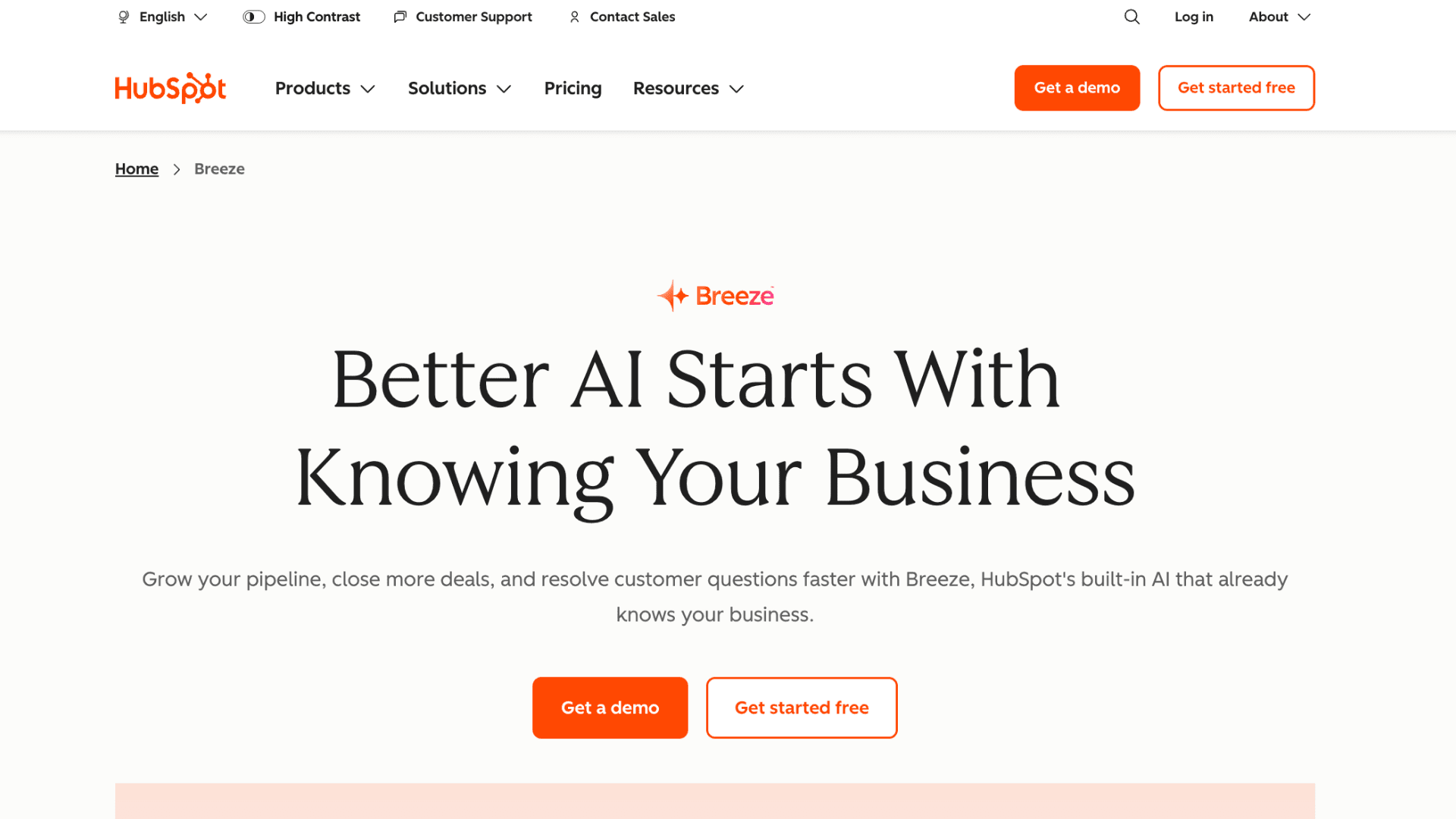
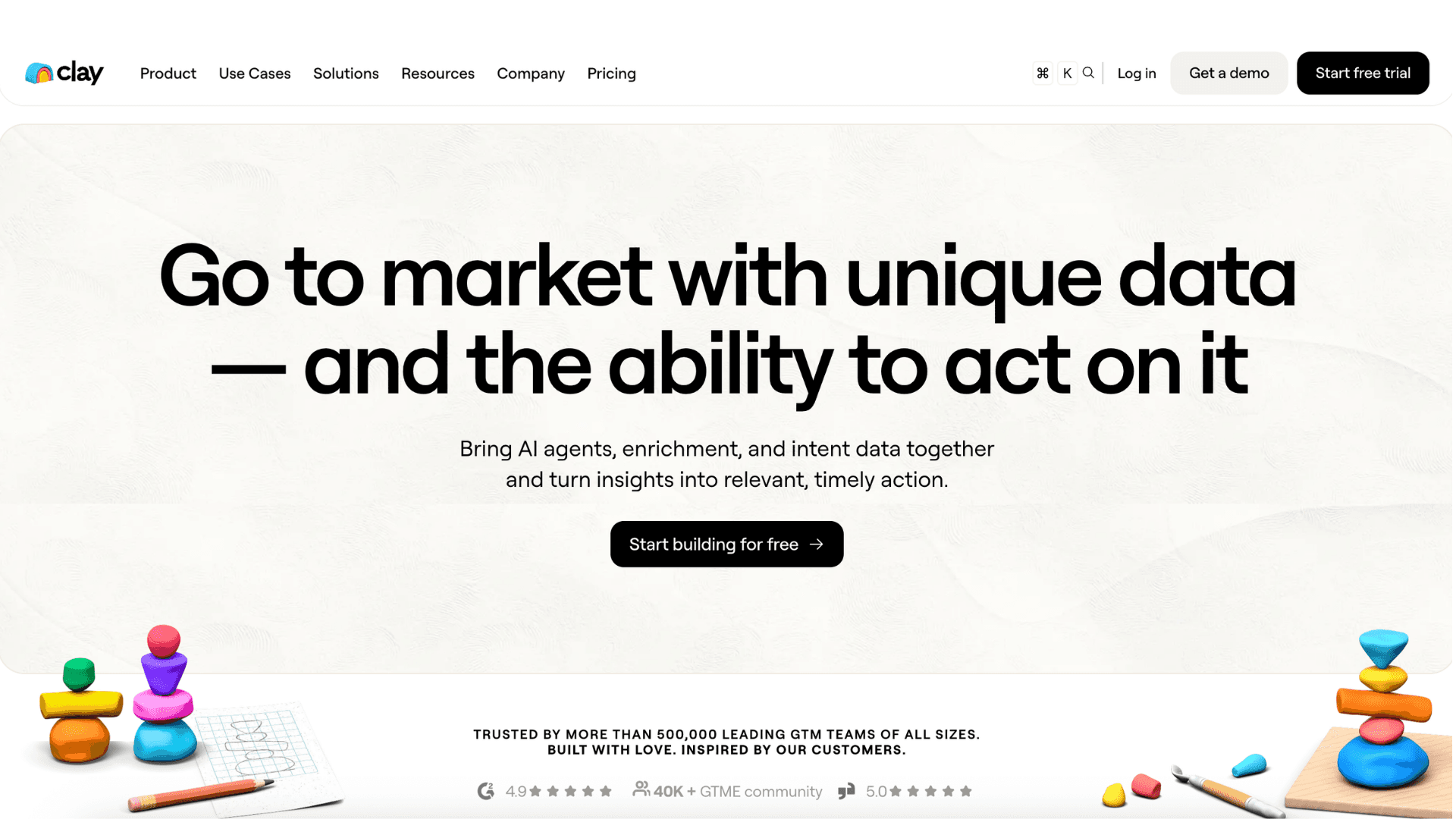
A prospect visiting pricing pages multiple times, opening emails, and matching ideal company size can instantly be pushed to a senior account executive. Meanwhile, colder leads are redirected into automated nurture flows without sales involvement. The biggest impact is not just speed — it is preventing high-intent opportunities from getting buried inside a generic queue.
2. Automated Meeting Summaries and CRM Updates
CRM hygiene has always been one of the least scalable parts of sales operations. Reps leave calls, forget details, delay updates, and pipelines slowly become unreliable. Tools like Gong and Fireflies.ai remove that manual layer almost entirely. During the conversation itself, the AI transcribes discussions, tracks objections, identifies next steps, and updates records automatically after the meeting ends.
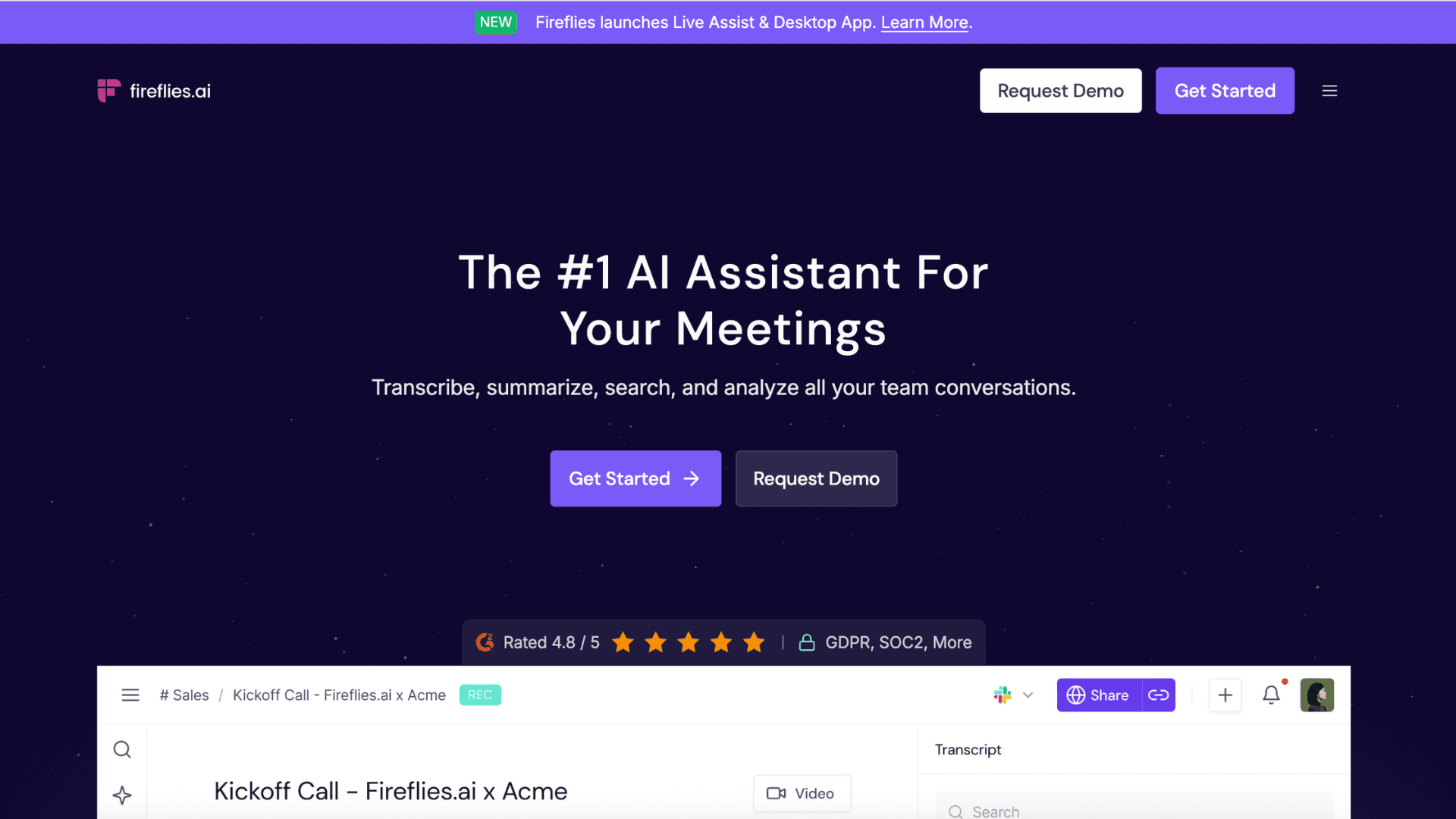
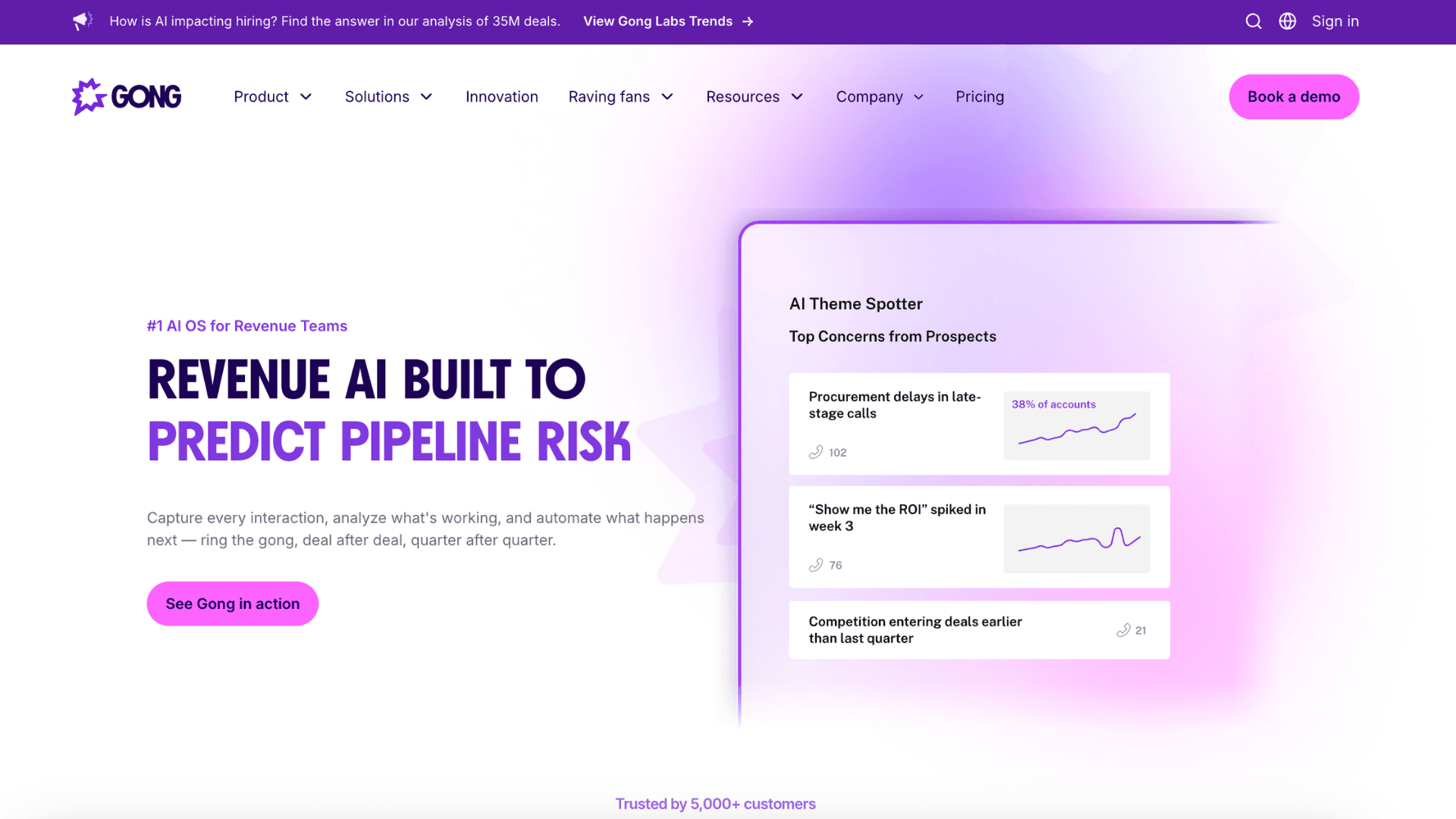
Managers no longer depend solely on rep-written notes because the system captures the actual customer conversation directly. This is one of those examples of AI automation where the operational gain compounds over time. Cleaner CRM data improves forecasting, coaching, and follow-up accuracy across the entire pipeline.
3. Personalized Outreach at Scale
Personalization used to be the tradeoff against scale. The more outbound emails a team sent, the more generic the messaging became. AI outreach tools flipped that equation. Platforms like Lavender and Outreach can now generate tailored messaging using company news, LinkedIn activity, hiring trends, or previous engagement history before the rep even opens the draft.
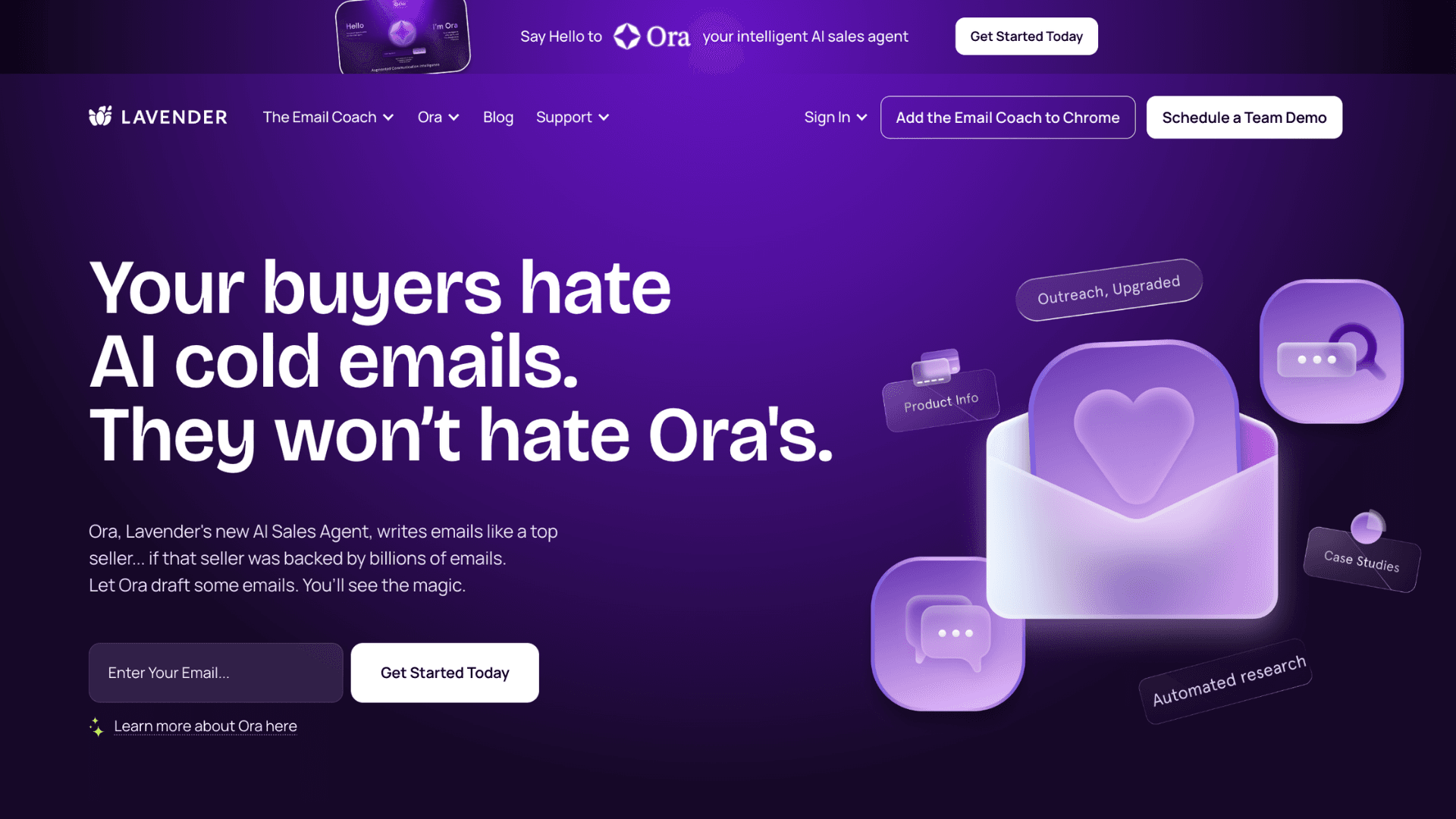
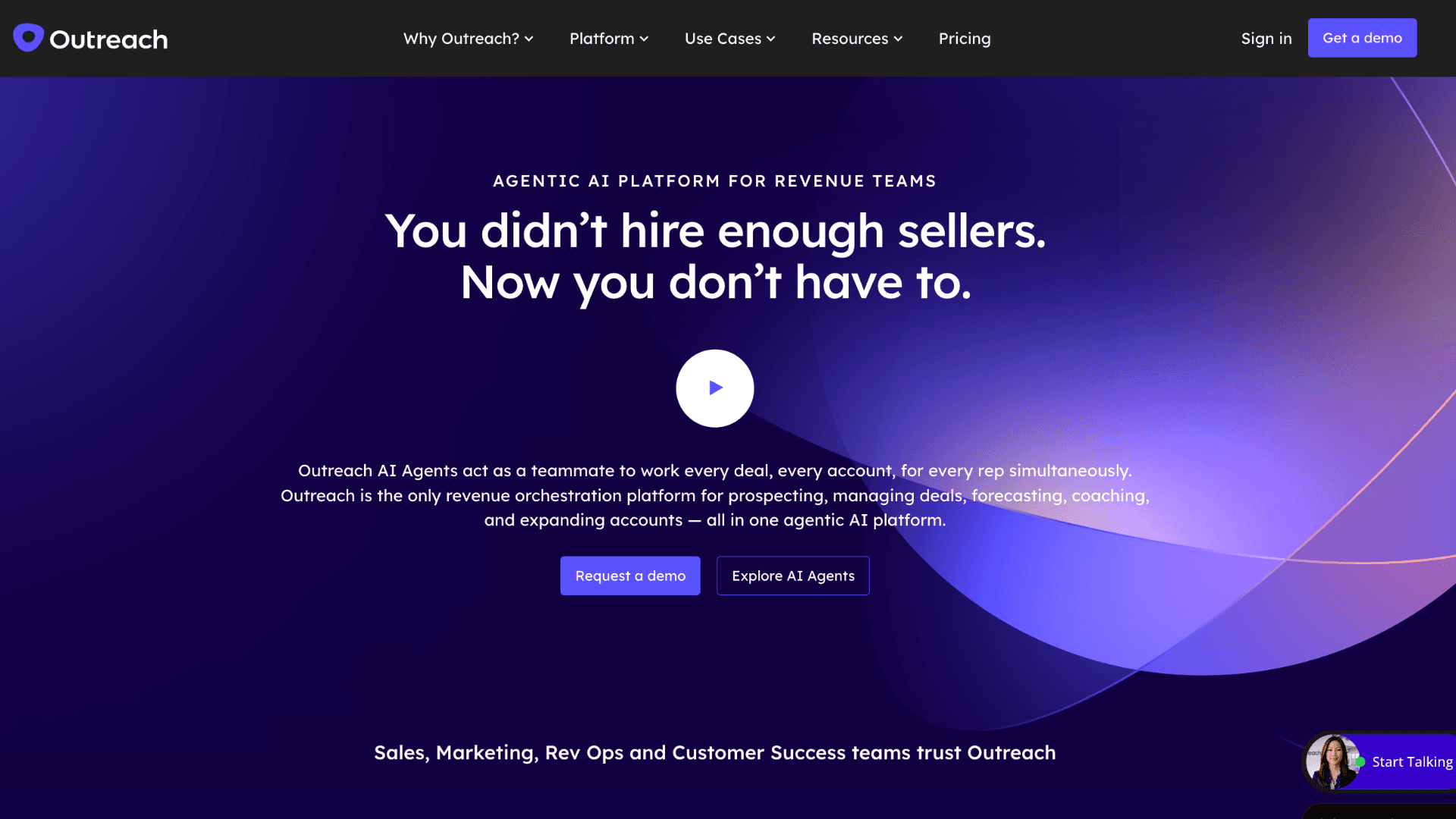
Some workflows also optimize delivery timing automatically based on historical reply behavior. What makes this effective is that the automation stays mostly invisible to the prospect. The message still feels contextual and human rather than obviously generated at scale.
Examples of AI Automation for Marketing Operations
Marketing teams juggle campaigns, analytics, content calendars, and last-minute requests—all while trying to stay creative. Practical examples of ai automation in marketing ops take the mechanical work off the plate: auto-generating report summaries, tagging UTM parameters, or drafting first-pass ad copy.
4. AI Content Drafting and SEO Optimization
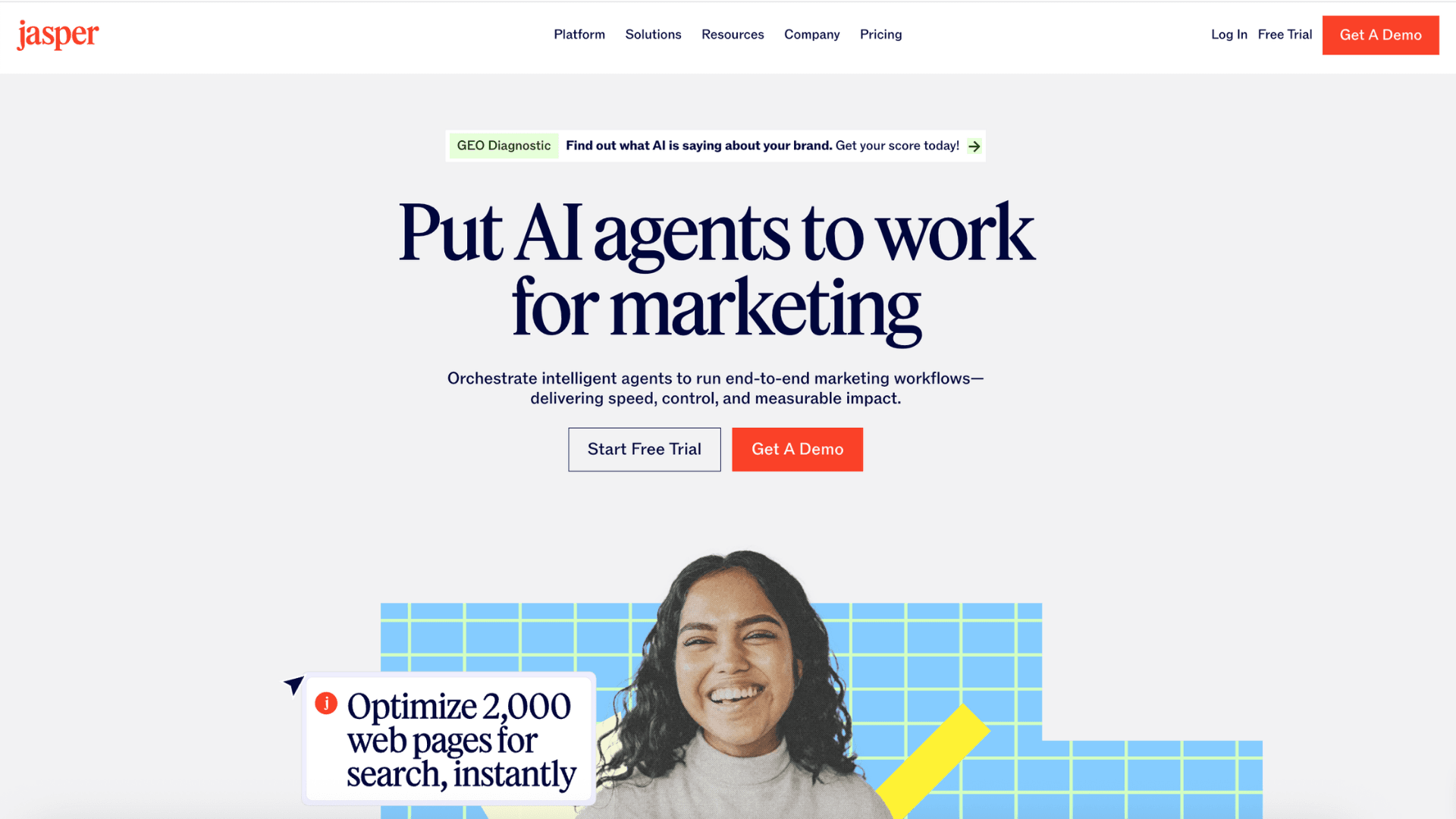
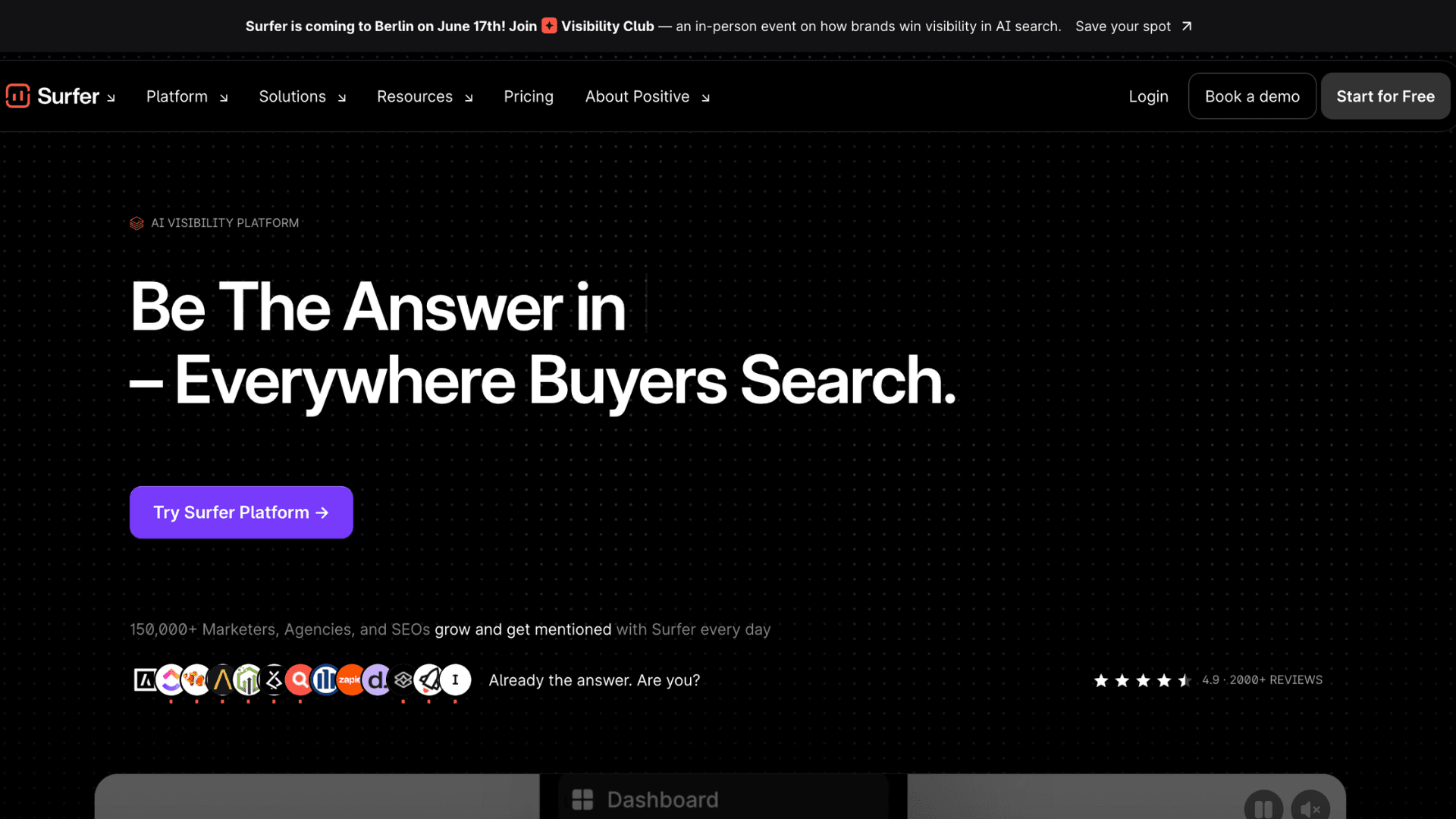
Publishing consistently becomes difficult once content teams start scaling across multiple channels and keyword clusters. AI-assisted editorial workflows reduce that overhead significantly. SEO teams now use systems that can generate first-draft structures, suggest semantic keywords, optimize headers, and identify linking opportunities before a writer even touches the article. In many companies, the human role shifts toward refining strategy, accuracy, and brand voice rather than handling repetitive formatting tasks manually. Jasper is commonly used for draft generation, while SurferSEO helps teams optimize pages against live SERP data and competitor structures during production.
5. Automated Campaign Performance Reporting
Pulling metrics from ad platforms, analytics tools, and CRMs usually takes hours every week. Tools like Make and Zapier AI handle these cross-platform data pulls efficiently. Instead of manually building spreadsheets, the system aggregates campaign performance, detects unusual changes, summarizes trends, and generates readable reports for stakeholders. Some workflows even recommend budget reallocations based on performance patterns across channels.
Examples of AI Automation for Customer Support
Customer support teams operate under constant pressure to respond faster while handling growing ticket volume. Modern systems are no longer limited to simple chatbot replies — they actively manage routing, prioritization, escalation, and resolution workflows.
6. Intelligent Ticket Triage and Auto-Resolution
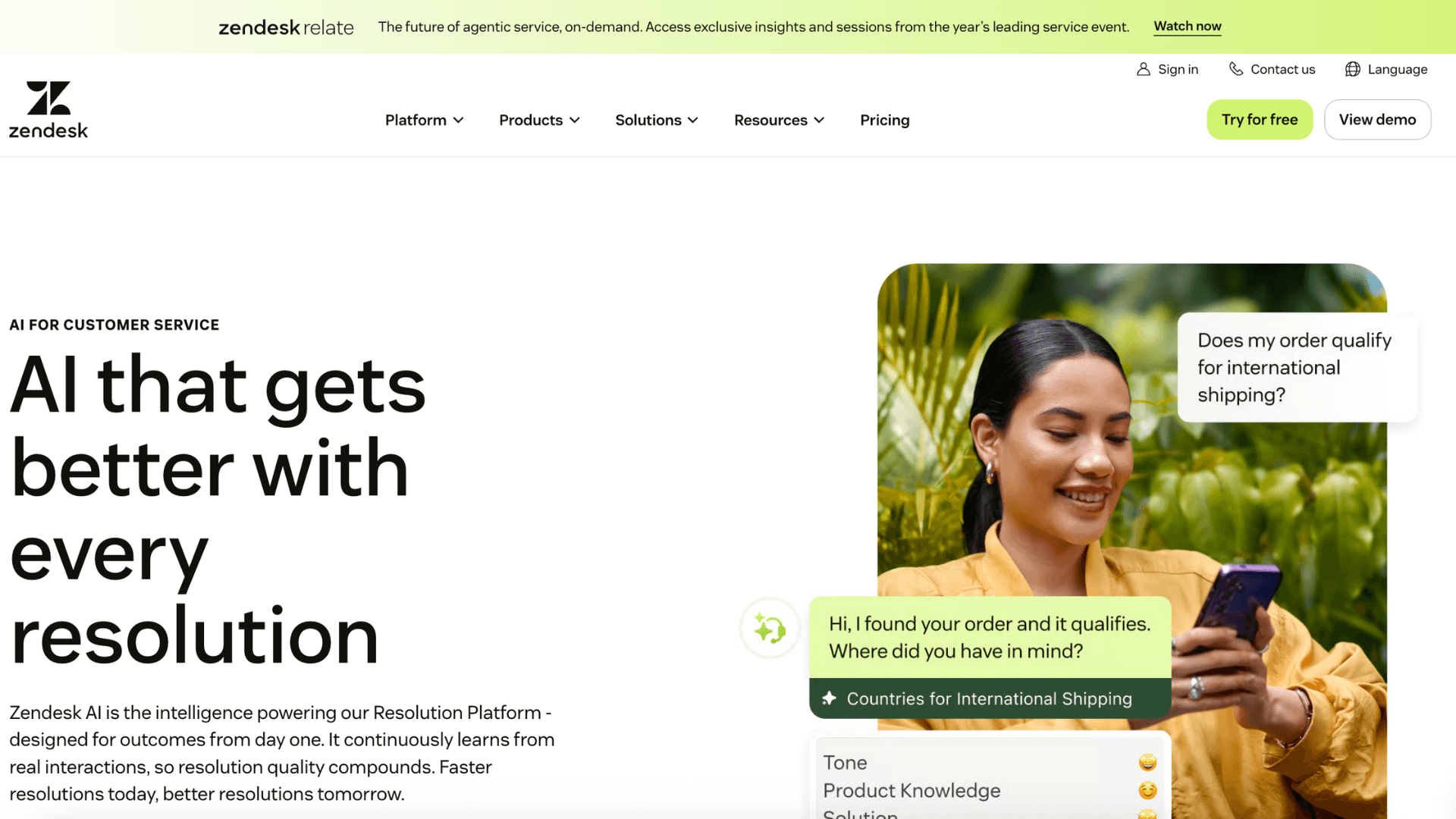
Not every support request needs a human agent anymore. Password resets, refund checks, shipping updates, and subscription changes are increasingly handled entirely through AI-driven workflows before a ticket even reaches the queue. More complex cases are routed directly to the correct department instead of sitting inside generic support queues first. Intercom and Zendesk AI lead this space with built-in routing and resolution engines. The report also indicated that deflection rates improved while response times dropped significantly.
7. Sentiment-Aware Escalation Workflows
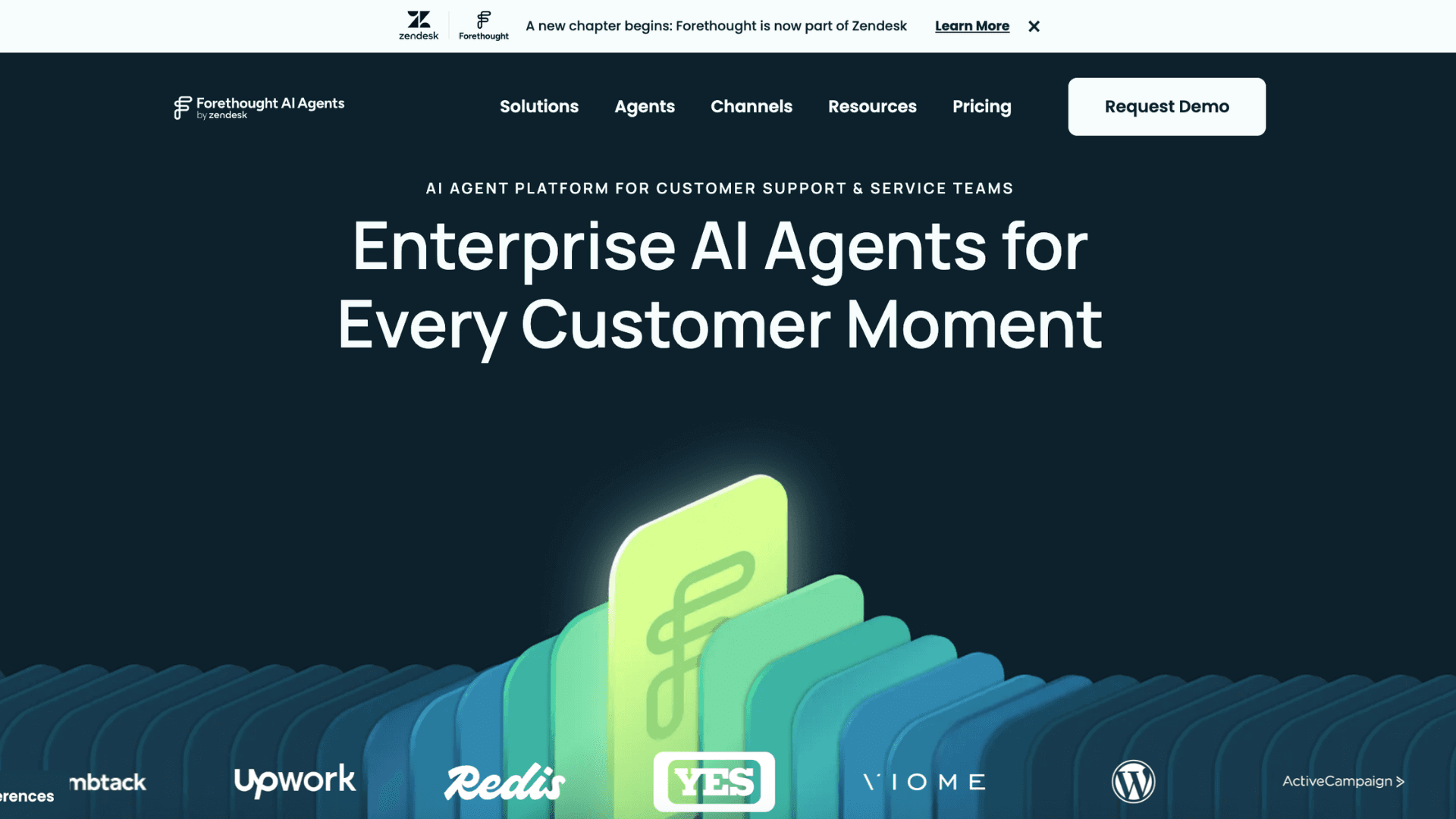
Some customer issues should never stay inside a normal chatbot flow for too long. Modern support systems can now detect frustration or urgency during conversations and escalate those cases automatically. Forethought is widely used for sentiment-based escalation, while Moveworks applies similar workflows in enterprise support environments. Instead of forcing customers to repeat themselves, the AI summarizes the conversation and routes it to the right support agent with full context attached.
Examples of AI Automation for HR and Talent
Hiring operations involve constant coordination across resumes, interviews, onboarding, and approvals. Examples of AI automation in HR mainly help teams reduce admin work and move candidates through the pipeline faster.
8. Resume Screening and Candidate Matching
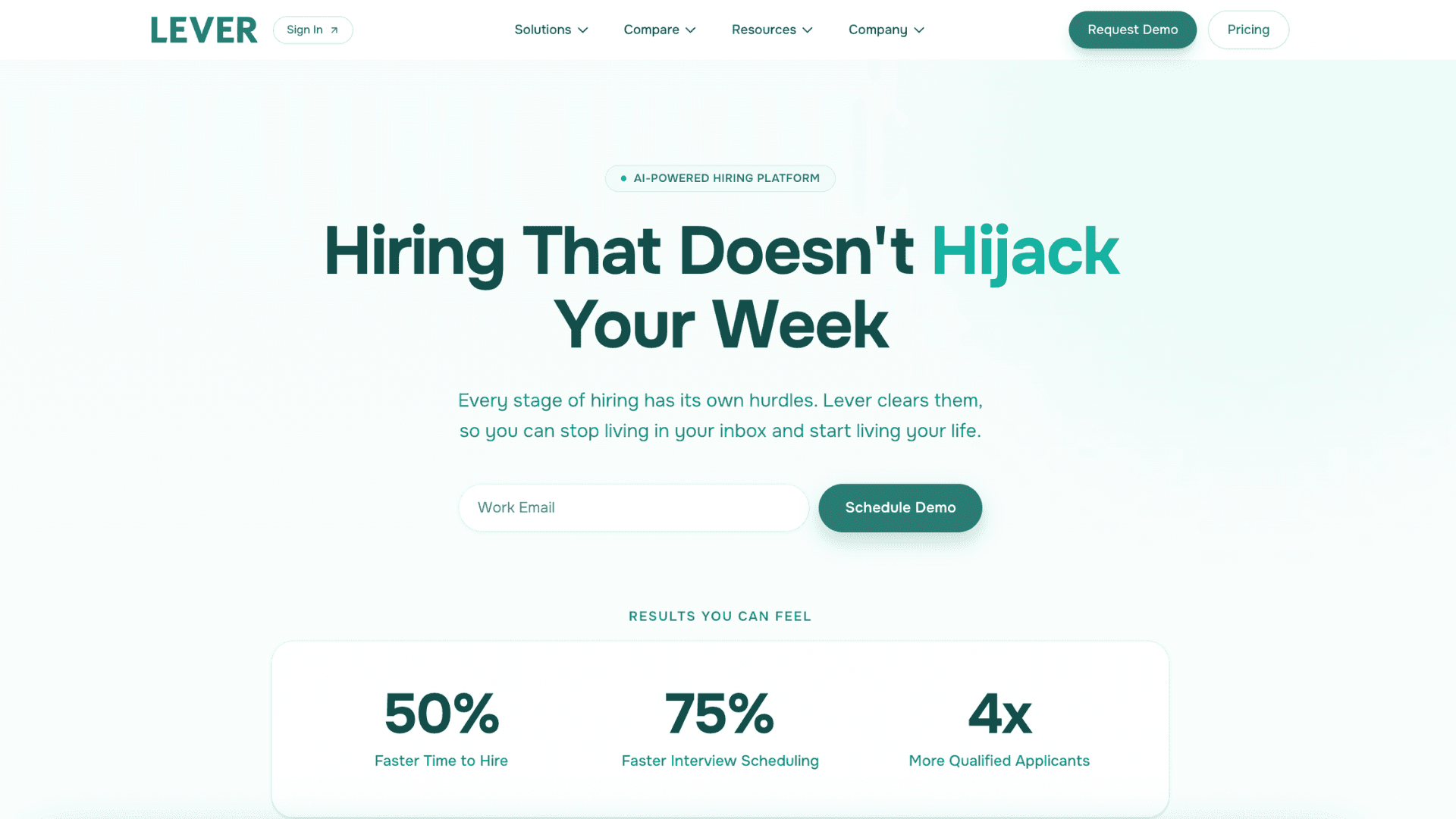
A recruiter opening 800 resumes for a single role is not a scalable hiring process. Instead of relying only on keyword matching, newer systems evaluate skill adjacency, career progression, and contextual relevance. Someone from customer success may still rank highly for a sales operations role if the experience overlaps operationally. That broader interpretation is why AI-driven hiring workflows perform better in fast-moving teams. Lever keeps this process embedded inside existing recruiting pipelines, while Eightfold AI goes deeper into talent intelligence and long-term workforce mapping.

9. Automated Interview Coordination and Onboarding
Interview scheduling is one of those tasks that looks simple until five calendars, three departments, and multiple time zones collide at once. Rather than having HR manually coordinate every step, AI automation can handle the operational side automatically after a candidate reaches the interview stage.
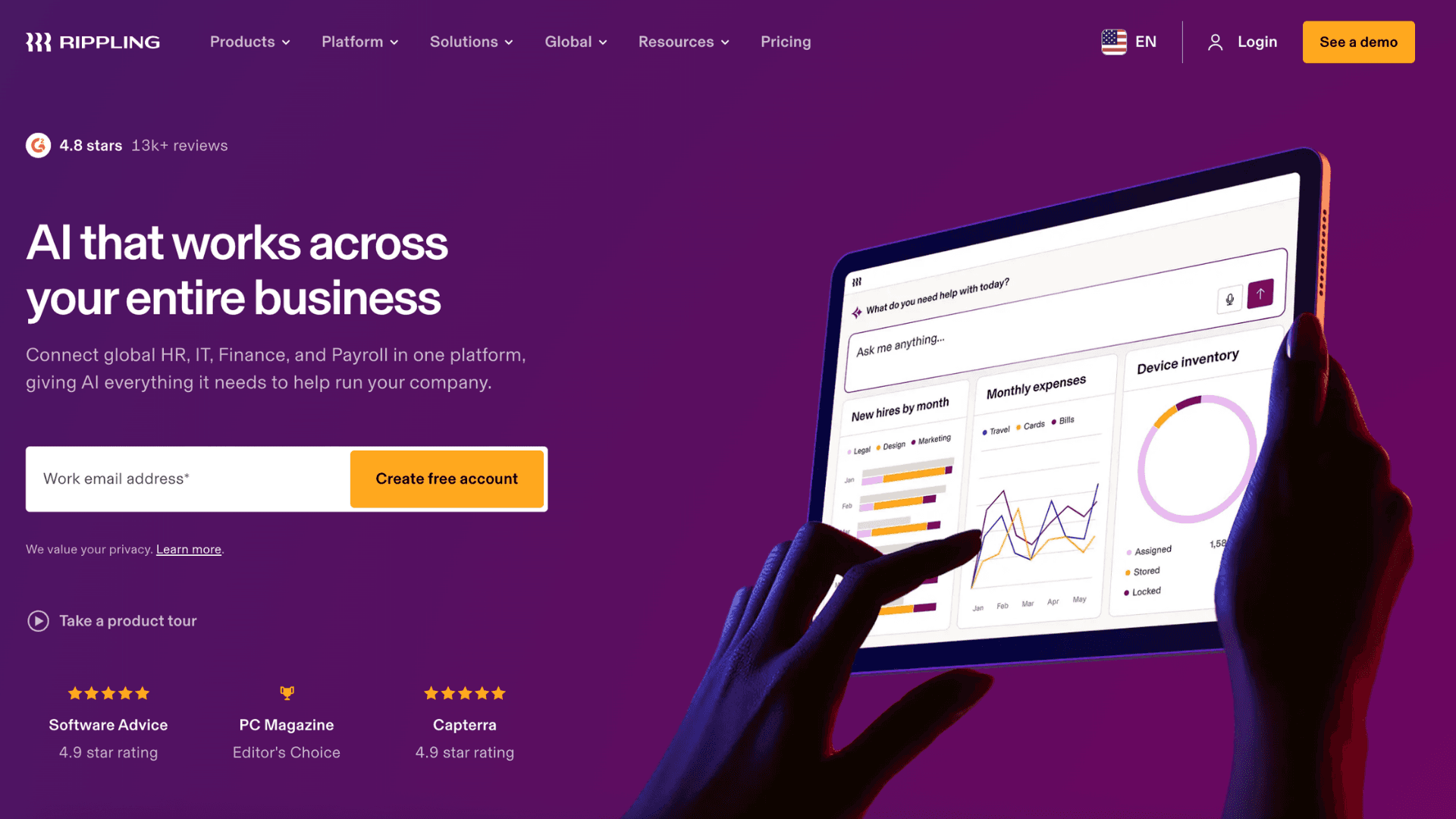
Availability updates sync in real time, reminders adjust dynamically, and onboarding tasks trigger immediately after contract signing. Some companies even connect these workflows directly with IT provisioning so laptops, permissions, and accounts are prepared before day one. Rippling is widely adopted because it connects HR, payroll, and device management in one workflow layer.
Examples of AI Automation for Finance and Operations
Finance departments generate enormous amounts of repetitive process work every month. That makes them one of the clearest examples of AI automation delivering measurable ROI quickly, especially in approvals, reconciliation, and reporting workflows.
10. AI Invoice Processing and Approval Workflows
Month-end finance operations usually break at the approval layer, not the payment layer itself. Teams waste hours validating invoices against purchase orders, forwarding approvals internally, and chasing missing information across departments. Bill.com is commonly used in growing businesses with high AP volume.
This example of AI automation compresses that entire sequence into a mostly invisible workflow. Once invoices enter the system, matching, categorization, and approval routing happen automatically in the background. Finance teams only step in when something looks abnormal—duplicate entries, mismatched totals, or missing procurement data.
11. Anomaly Detection for Fraud Prevention
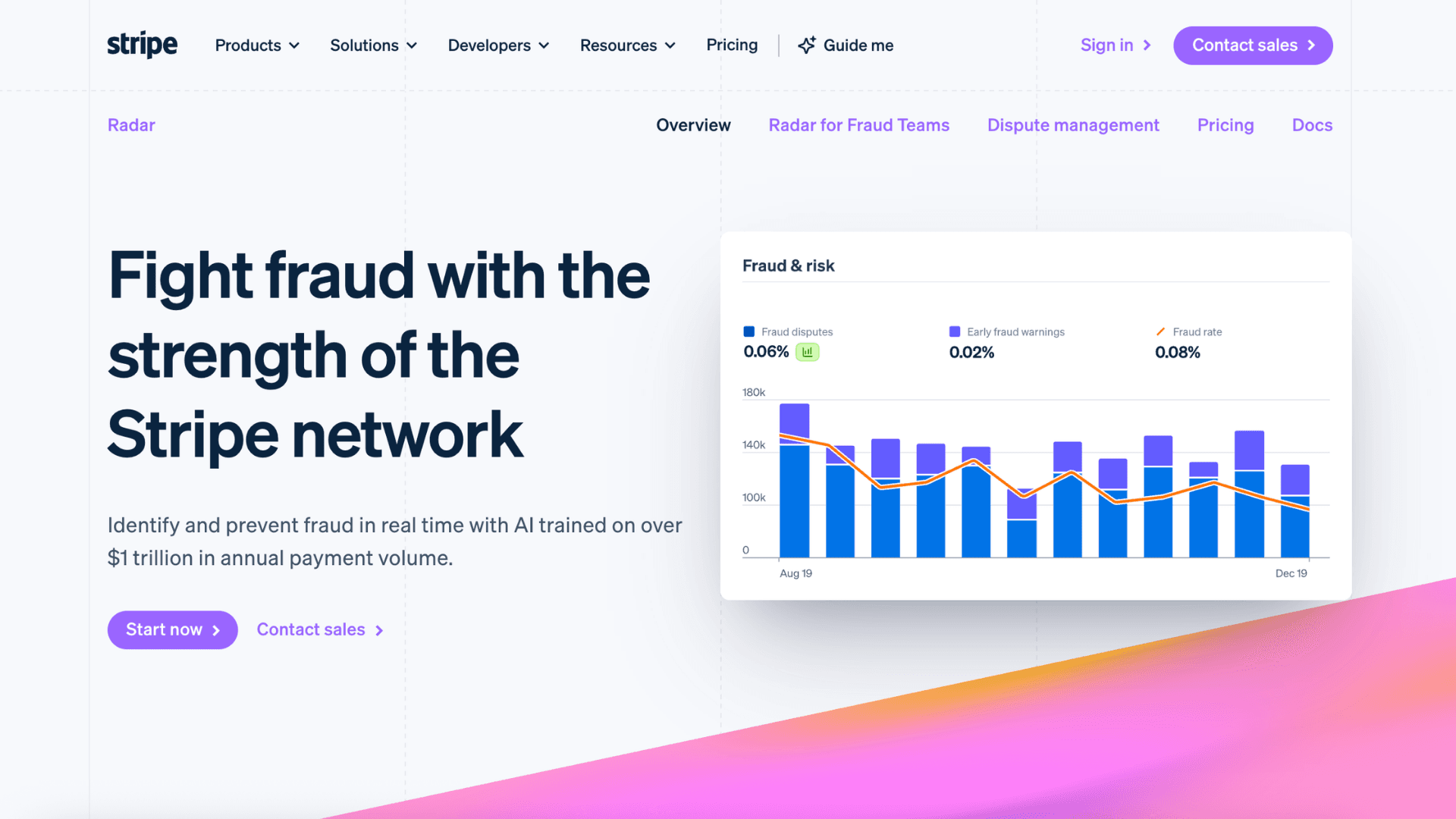
Fraud detection becomes nearly impossible to manage manually once transaction volume scales across departments and vendors. Instead of relying on periodic audits, AI systems (like Stripe Radar) continuously monitor payment behavior in real time. Duplicate invoices, abnormal reimbursement patterns, suspicious vendor activity, or approval inconsistencies can trigger intervention before transactions are completed. The biggest advantage is speed: finance teams no longer need to discover issues weeks later during reconciliation.
12. Automated Financial Reporting and KPI Dashboards
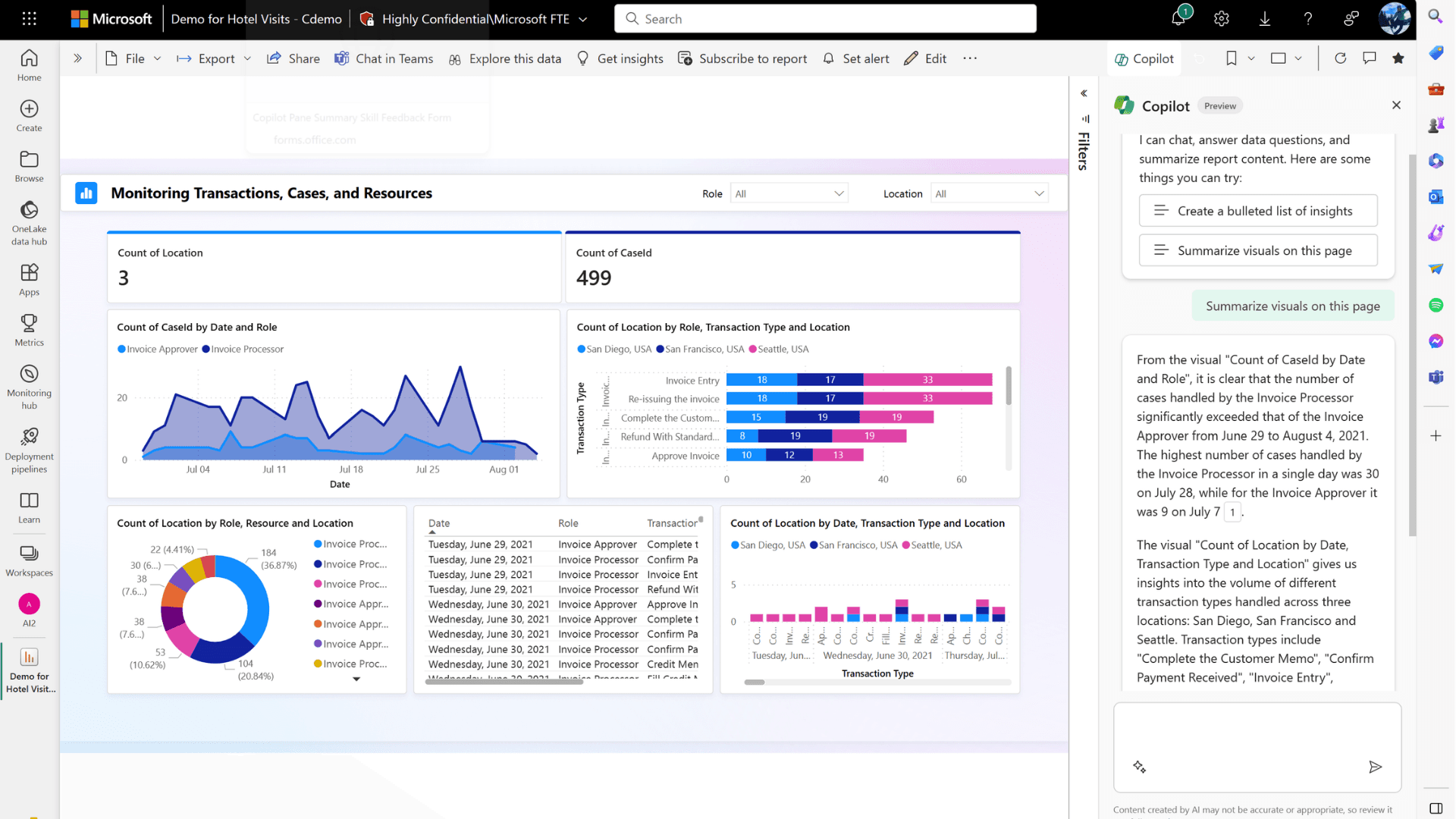
Finance teams spend less time building dashboards now and more time interpreting the numbers behind them. Power BI with Copilot can automatically generate charts, summarize KPI changes, and answer natural-language questions directly inside reporting dashboards. Instead of manually pulling data across ERP systems, payroll platforms, and revenue trackers, AI workflows continuously update reports in the background. Some systems can even explain why margins dropped, which department overspent, or what changed compared to the previous quarter.
Examples of AI Automation for IT and Engineering
If you're in tech, you know the drill: endless tickets, repetitive deployments, and documentation that nobody wants to write. Real examples of AI automation in IT aren't about replacing engineers—they're about giving them their time back.
13. Self-Healing Infrastructure Monitoring
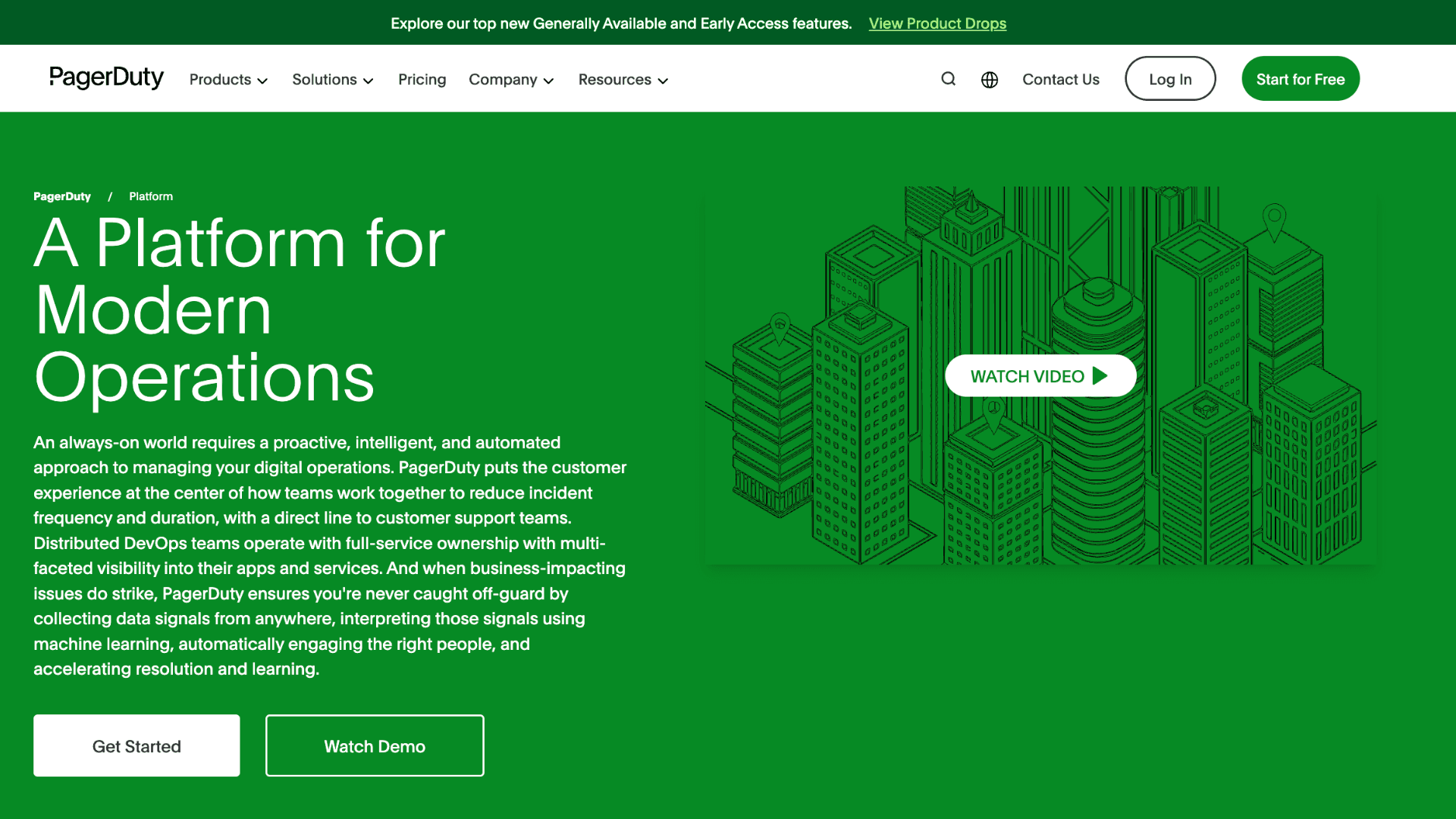
One infrastructure issue can easily trigger dozens of alerts across engineering teams. AI monitoring systems help reduce that chaos by identifying the root problem automatically instead of treating every signal as a separate incident. In some environments, the workflow can even trigger recovery actions without waiting for manual intervention. Restarting failed services, rolling back deployments, or isolating unstable dependencies now happens automatically in many DevOps pipelines. PagerDuty focuses heavily on incident response orchestration, while Datadog AI is more commonly used for anomaly detection across logs and infrastructure metrics.
14. Automated Code Review and Test Generation
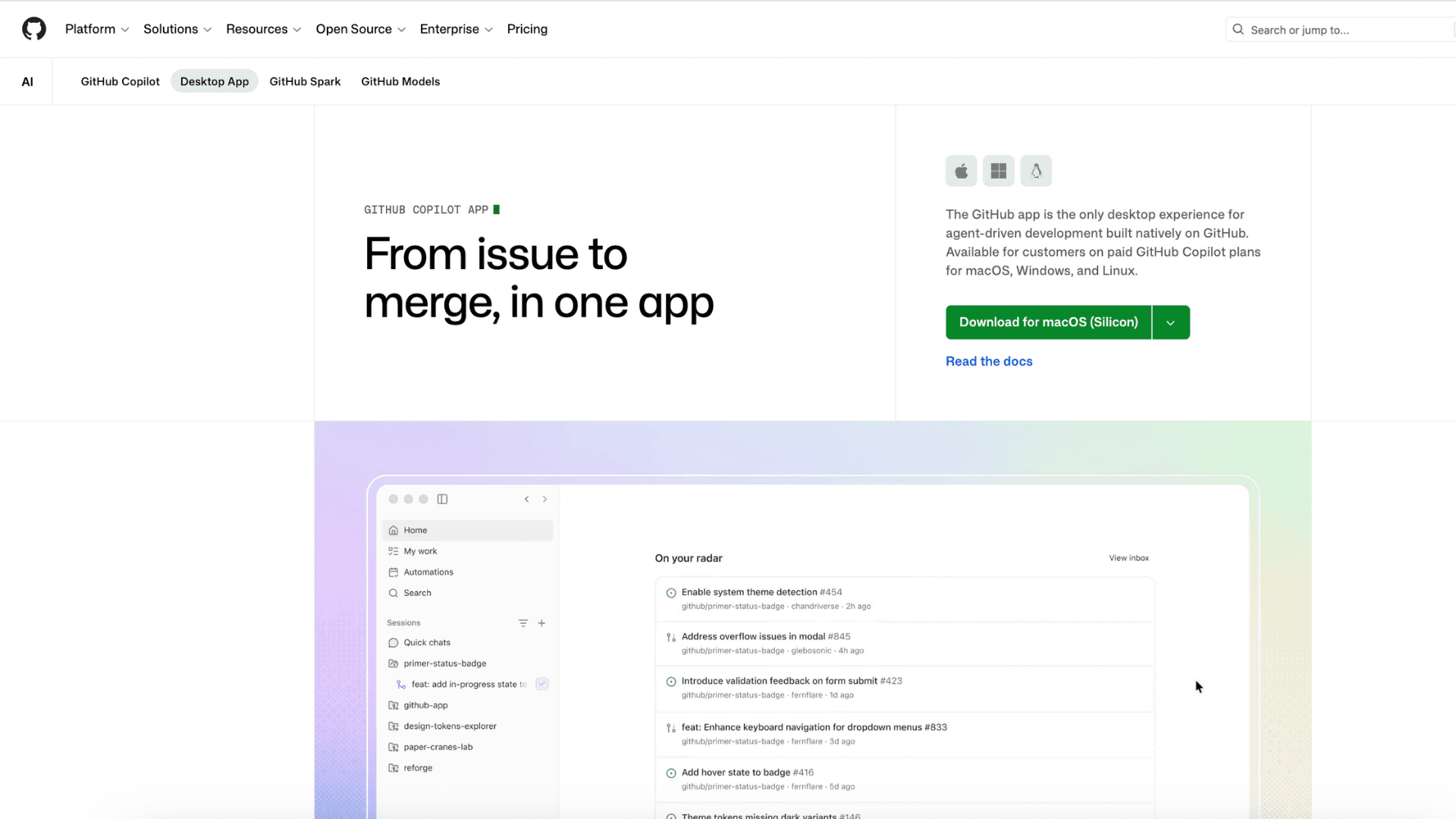
Developers spend a large portion of their week reviewing routine pull requests and writing repetitive unit tests. AI coding tools reduce that overhead directly inside the development workflow. GitHub Copilot can suggest fixes, generate test cases, and help developers move through repetitive coding tasks faster. SonarQube approaches the problem differently by focusing on automated code quality checks, security issues, and regression detection before deployment. The biggest operational gain is usually consistency. Smaller issues get caught earlier, while engineering teams spend more time on architecture and feature development instead of repetitive validation work.
15. IT Helpdesk Ticket Automation
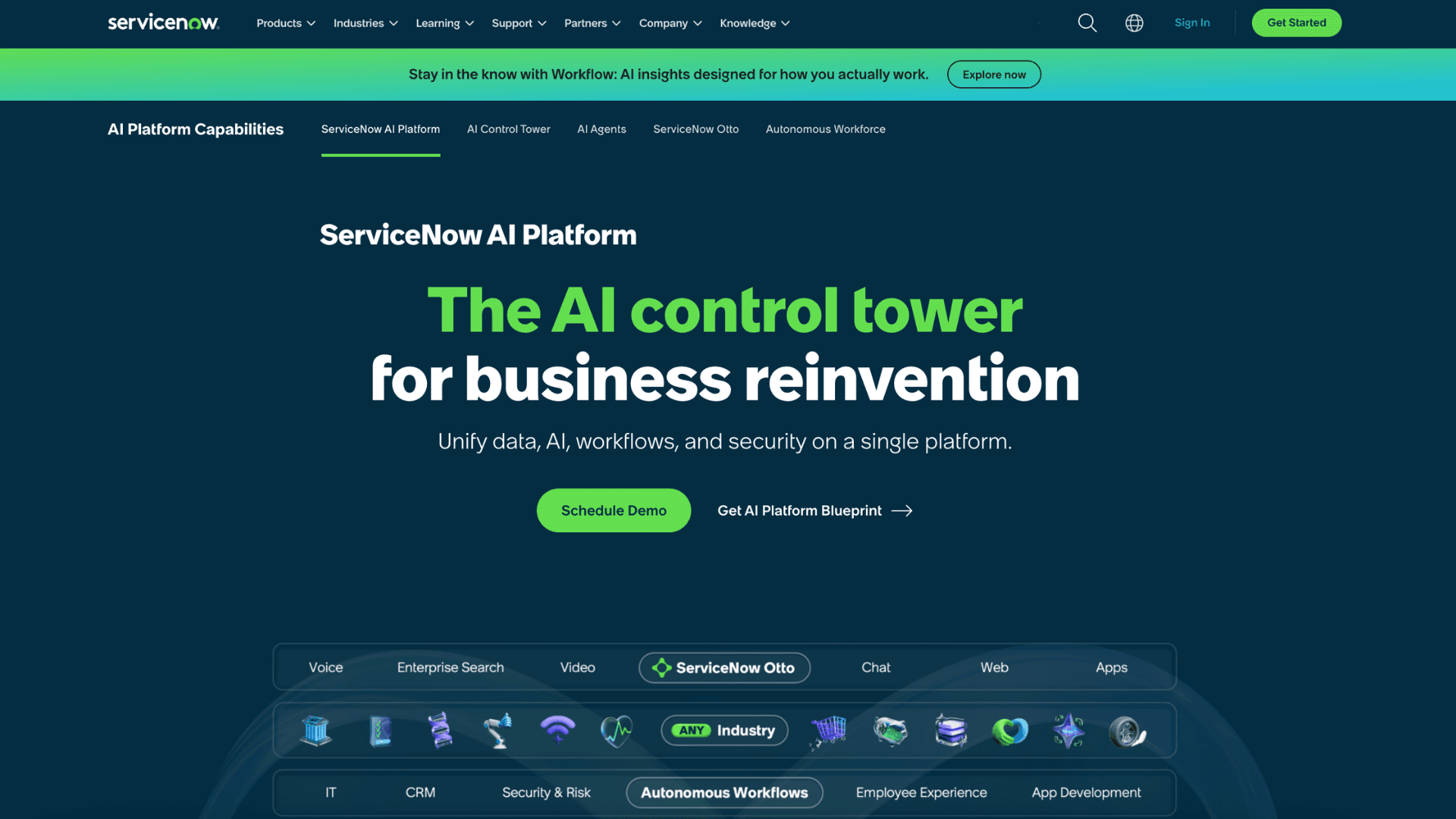
Internal IT support becomes difficult to scale once companies grow across departments, devices, and software systems. Simple requests like access approvals or password resets can quickly overwhelm support queues. Many companies now automate these workflows entirely through AI-driven IT service systems. Approved requests can be verified, processed, and completed automatically without waiting for manual review. More complex cases still escalate to specialists, but the repetitive admin layer becomes much smaller. ServiceNow and Jira Service Management use AI to automate these internal support flows.
How to Get Started With AI Automation
To implement AI automation effectively, don't jump straight into tools. Follow a proven roadmap that successful businesses actually use:
- Identify priority tasks: Pick repetitive, time-consuming processes with clear rules—like sorting support tickets, syncing CRM data, or processing inbound invoices. Avoid tasks requiring emotional judgment or complex context in early stages. Use real time logs or work journals to spot genuine bottlenecks.
- Choose tools that match your team's capability: Start with no-code/low-code platforms to lower technical barriers. Beyond Zapier and Make, consider n8n (open-source, better data control) or AI agent builders like Voiceflow, Stack AI, or Dify. Selection criteria: API integration, security compliance (GDPR/ISO), scalable pricing, and active community support.
- Run a small pilot with clear KPIs: Automate exactly one workflow first—like drafting email replies with AI tone adjustment, or auto-summarizing meeting notes. Define success metrics upfront: hours saved per week, error rate, average handling time, and human intervention thresholds.
- Map your workflow visually: Use a simple flow: Trigger → AI Processing → Human-in-the-loop (if needed) → Output/System Update. Don't forget exception handling: error fallbacks, low-confidence alerts, and prompt guardrails. Workflows without monitoring often lead to scaled AI hallucinations.
- Test, measure, and refine continuously: Launch in limited scope, collect real user feedback, optimize prompts, adjust model parameters, and set up audit logs. AI automation isn't "set-and-forget"—it needs regular iteration based on live performance data.
When you explore real-world examples of ai automation, you'll see they go beyond email or CRM tasks. Successful cases include real-time sales analytics, automated internal approval flows, or multi-channel customer support with smart handoff logic. The common thread: start small, measure ROI clearly, and keep humans in the quality-control loop.
Want to run this without guessing? Talk to Haposoft
We’ve helped teams move past the “let’s try AI” phase into systems that actually save hours and don’t break on day three. At Haposoft, we don’t push templates or overpromise. We sit down with your team, map out what’s realistically worth automating, and build workflows that run quietly in the background. We handle the integrations, set up the review steps, and make sure everything ties back to the tools you already use—whether that’s Zapier, Make, your CRM, or internal dashboards. If it doesn’t cut time or reduce errors, we don’t ship it.
📩 Contact Haposoft for a free strategy consult and proof-of-concept demo tailored to your workflow.
Final Thoughts
The examples of AI automation covered here share one common trait: they solve specific, measurable bottlenecks. Teams that succeed do not chase full automation overnight. They pick one painful workflow, connect the right tools, and measure real outcomes before expanding.
If you are mapping out where AI automation fits into your existing stack, the technical piece is only half the puzzle. You also need someone who understands data flow, compliance boundaries, and how to connect agents to legacy systems without breaking workflows. Haposoft helps teams design and deploy practical AI automation solutions that integrate cleanly with existing tools.