Let's be real: the question isn't "Can AI do this?" anymore. It's "How can AI and I work together to do this better?" That shift is exactly what augmented AI is all about. Unlike autonomous AI that runs on autopilot, augmented AI keeps you in the driver's seat — AI proactively suggests, drafts, or analyzes, but you make the final call.
In this guide, we're sharing 15 practical augmented AI examples you can actually use today. No fluff, no hype. Just tools where AI handles the heavy lifting, and you focus on strategy, creativity, and decisions that matter. Whether you're drowning in emails, analyzing complex data, or building software, these augmented AI examples show how to work smarter — not harder. Let's dive in.
What Is Augmented AI? 3 Core Principles
Augmented AI (or AI Augmentation) frequently termed augmented intelligence, is an approach to artificial intelligence designed to enhance human capabilities rather than replace them. Unlike autonomous systems that operate independently from end to end, augmented AI is designed to function alongside professionals. The model assigns data processing, pattern recognition, and repetitive execution to machines, while reserving contextual interpretation, ethical reasoning, and final decision-making for humans. It treats AI as a collaborative layer, not a substitute.
This direction aligns with current enterprise research and deployment data. As Gartner and MIT have highlighted, the dominant AI trajectory for 2023–2026 is not full automation, but “AI copiloting.” Organizations that intentionally pair machine processing with human oversight consistently report productivity gains of 30–50%, driven by structured collaboration rather than wholesale replacement. The technology delivers measurable value not by operating alone, but by amplifying the specific strengths of each participant in the workflow.
Augmented AI operates on three foundational principles:
- Task allocation by comparative advantage: AI excels at structured data processing, repetitive tasks, and rapid computation. Humans excel at critical thinking, empathy, multi-dimensional creativity, and navigating ambiguity.
- Two-way feedback loops: Humans refine AI outputs → AI learns from that feedback → Proposes more accurate suggestions next time. This creates a "symbiotic" cycle, not a one-way command.
- Human oversight & explainability by design: Augmented AI systems always provide reasoning (explainability), enabling humans to trace decisions, intervene when necessary, and retain legal/ethical accountability.
15 Real-World Augmented AI Examples Transforming Industries
Below are 15 representative applications of Augmented AI, demonstrating how this model is already delivering value in practice.
Writing, Email, and Research: Augmented AI Examples That Save Hours Every Week
If your work involves writing, managing email, or conducting research, you likely spend significant time on tasks that are necessary but not deeply fulfilling. This is where augmented AI examples deliver immediate, measurable value. The tools in this category do not just automate keystrokes; they understand context, adapt to your style, and surface insights that help you work more strategically.
Superhuman AI
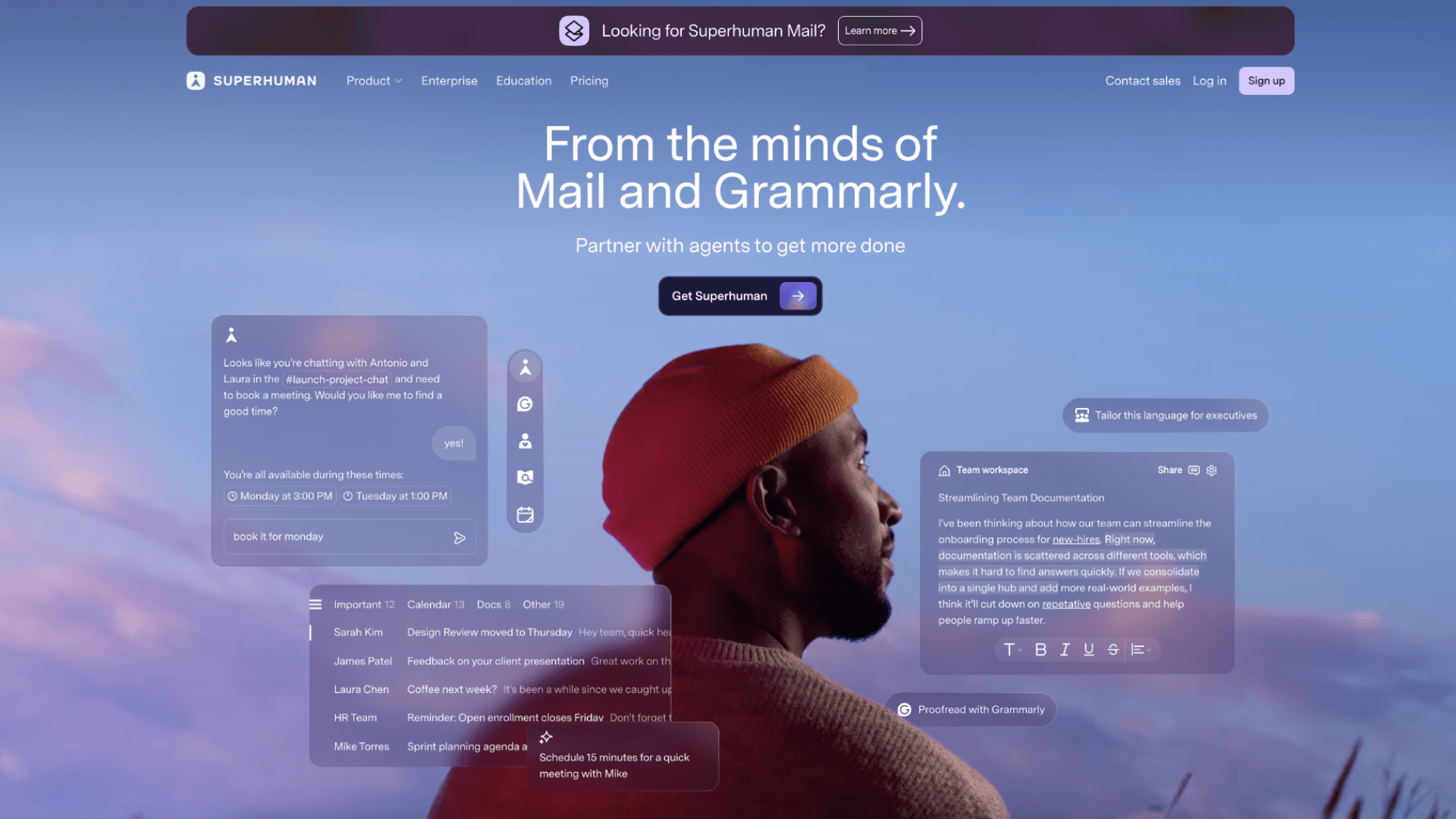
Superhuman reimagines email by combining a high-performance interface with AI that learns your communication patterns. The system proactively sorts incoming messages by priority, drafts replies that match your tone, and suggests optimal times to follow up based on recipient behavior. What makes Superhuman a strong augmented AI example is its emphasis on human oversight. Every draft remains editable. Every suggestion can be accepted, modified, or ignored.
The AI handles the mechanical aspects of email management—sorting, drafting, scheduling—while you retain control over tone, timing, and final approval. Users report saving approximately 50% of the time they previously spent on email. But the deeper benefit is cognitive: by reducing inbox friction, Superhuman frees mental energy for higher-value work. For professionals drowning in messages, this shift from reactive triage to proactive management is transformative.
Microsoft Copilot in Word and Outlook
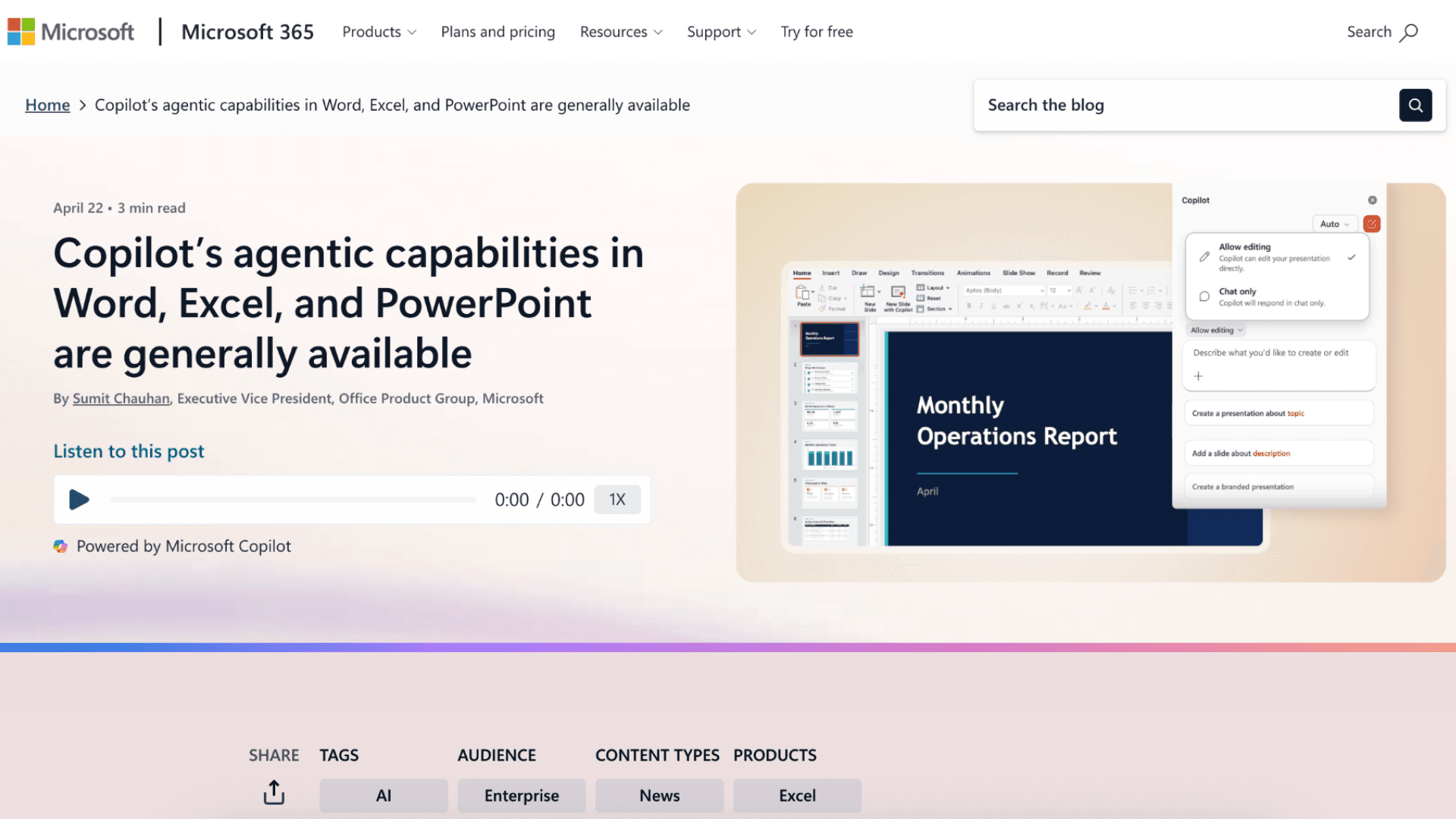
Microsoft Copilot demonstrates how augmented AI examples can deliver value without requiring workflow disruption. Integrated directly into Word and Outlook, Copilot summarizes long email threads, extracts action items, and drafts documents from natural-language prompts. The power of this approach lies in context awareness. Because Copilot operates within applications you already use, it understands your documents, your communication history, and your organizational norms. When it suggests a summary or a draft, it is not working from a generic template—it is building on your existing work.
Microsoft's internal research indicates that users save an average of 10.7 minutes per editing task when using Copilot. For teams, those minutes compound into hours of reclaimed focus time. More importantly, Copilot lowers the barrier to high-quality output: junior team members can produce drafts that align with senior standards, while experienced professionals can iterate faster on complex documents.
Perplexity AI
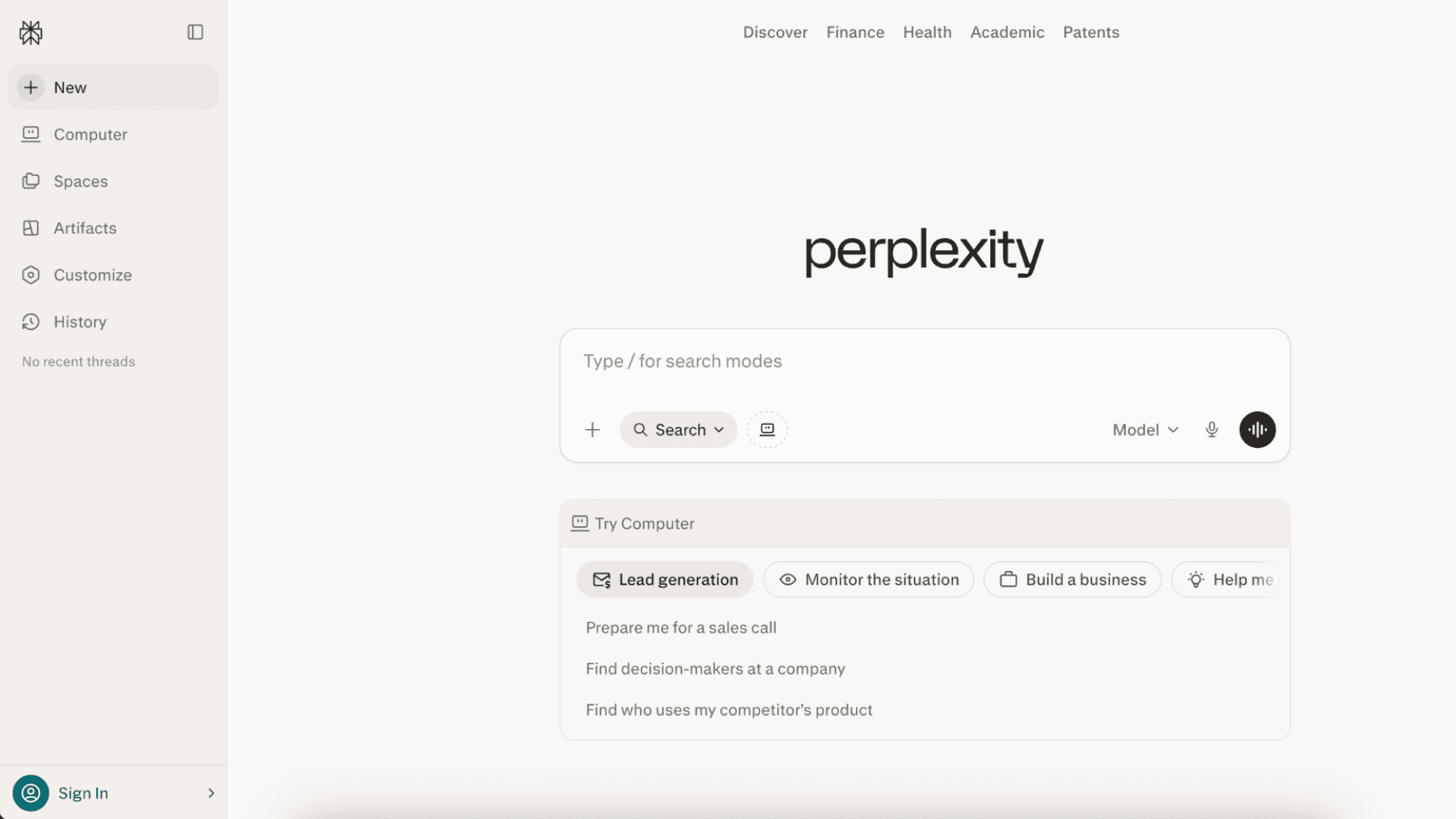
Traditional search requires you to sift through results, evaluate sources, and synthesize insights manually. Perplexity AI accelerates this process by retrieving real-time information, citing sources transparently, and generating concise summaries that highlight key findings and conflicting perspectives. Perplexity qualifies as an augmented AI example because it enhances rather than replaces critical thinking.
The system surfaces relevant information quickly, but you still evaluate source credibility, connect insights to your specific context, and decide which findings warrant action. This division of labor—AI handles retrieval and initial synthesis; you handle judgment and application—is the essence of augmented intelligence. Users report completing deep research tasks three to five times faster with Perplexity compared to manual search. For professionals who regularly analyze market trends, competitive landscapes, or emerging technologies, that efficiency gain translates directly into strategic advantage.
Data Analysis & Decision-Making: Augmented AI Examples That Turn Raw Numbers into Strategy
If your role requires interpreting complex datasets, forecasting market trends, or translating metrics into executive action, you already know that raw data alone rarely drives decisions. This is where the most practical augmented AI examples deliver measurable value. Rather than replacing analytical expertise, these tools automate data cleaning, surface hidden patterns, and generate plain-language summaries that accelerate insight generation.
Tableau Pulse
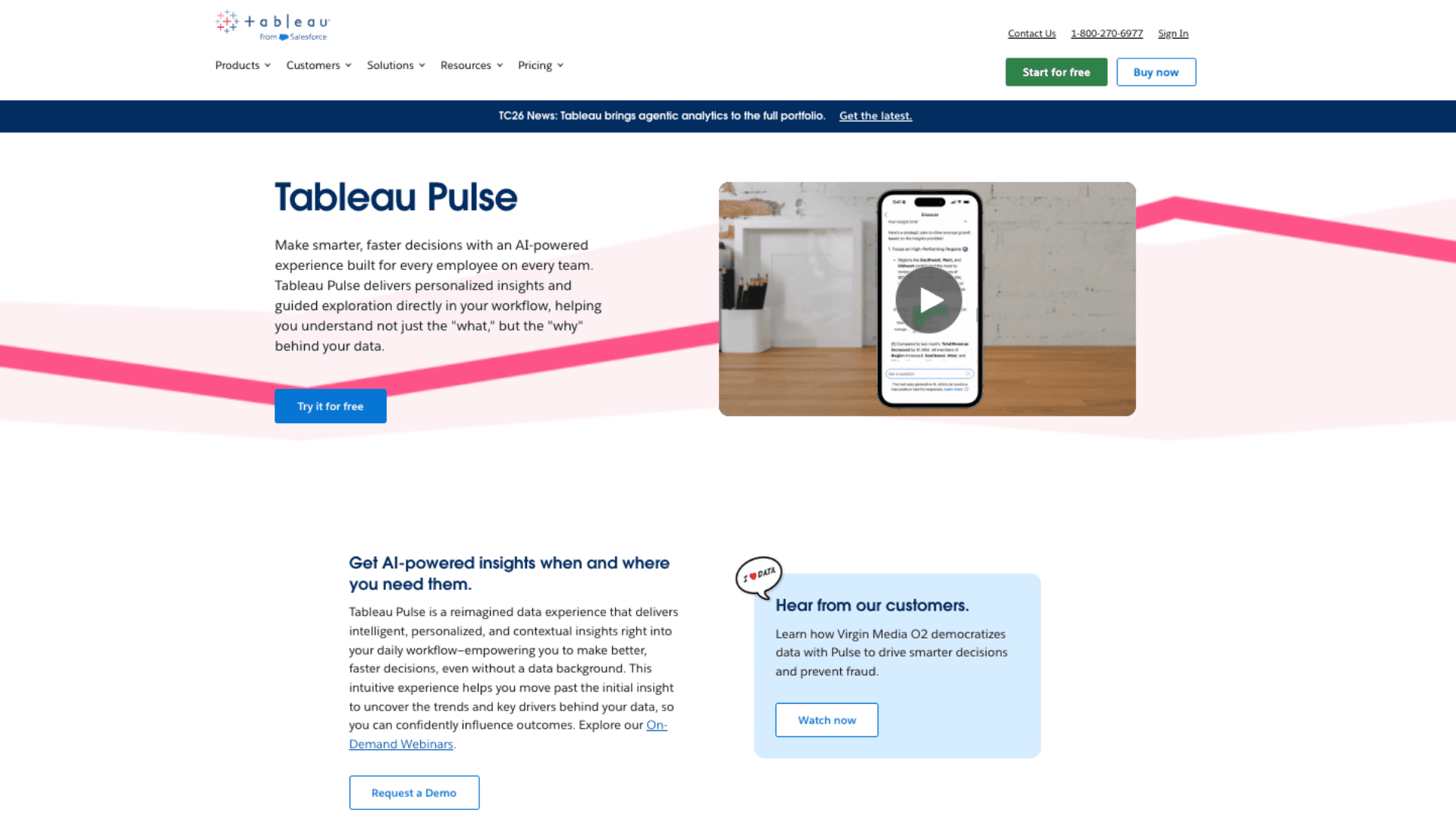
Tableau Pulse monitors your key metrics and alerts you when something shifts, explaining changes in plain language instead of forcing you to dig through dashboards. It proactively surfaces insights you might have missed, saving hours of manual analysis each week. The system learns your reporting patterns and delivers personalized summaries directly to Slack or email, so you stay informed without constant dashboard checking.
As one of the most practical augmented AI examples for business teams, Tableau Pulse still puts you in control. You review the AI's findings, add market context, and decide which insights deserve action. The result is faster decisions without sacrificing accuracy, which is exactly why augmented AI examples like this are gaining traction in data-driven organizations.
Microsoft 365 Copilot in Excel
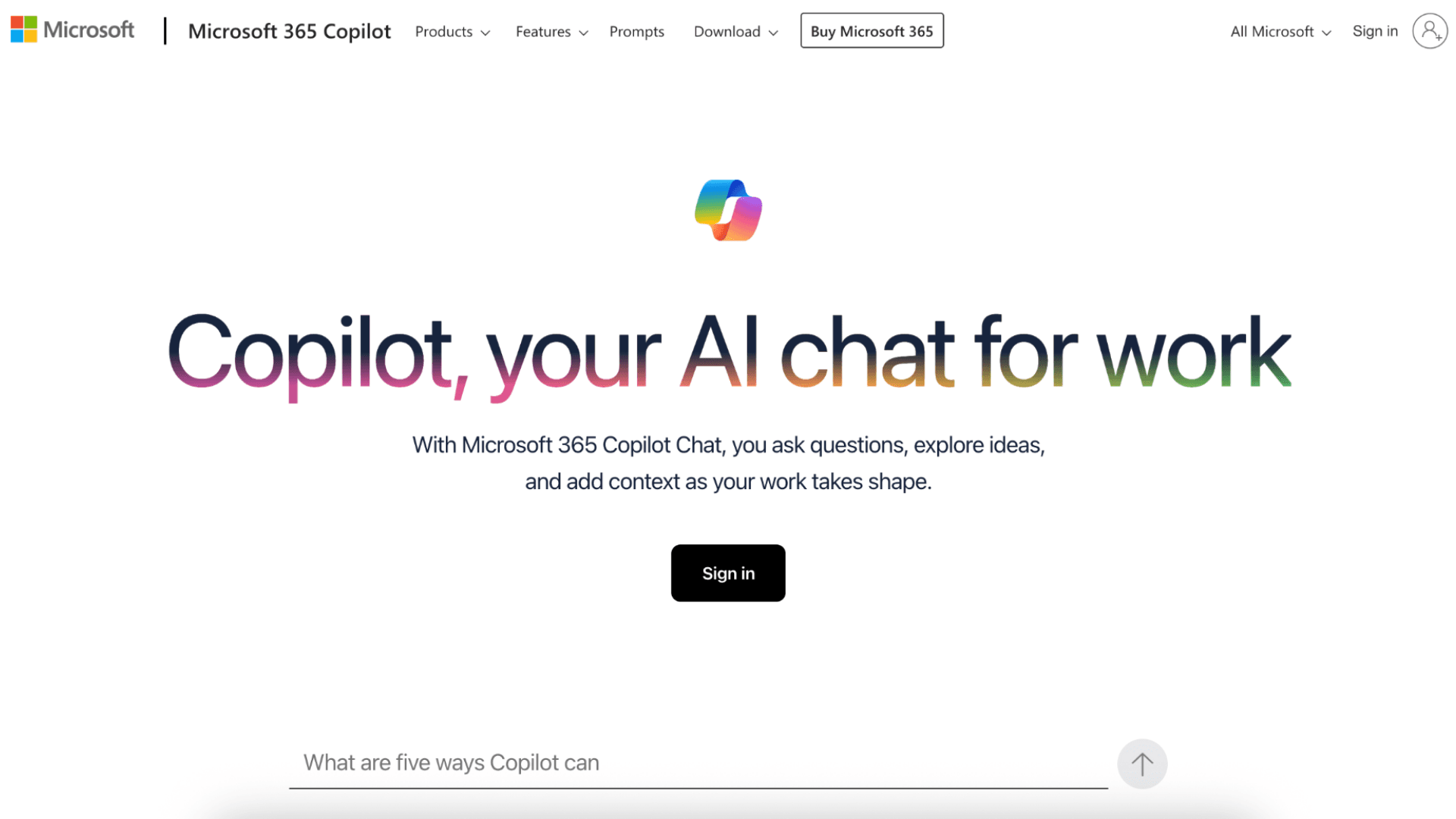
Copilot lets you ask questions about your data in everyday language—"What drove last quarter's sales drop?"—and instantly generates charts, formulas, and forecasts. No need to master complex functions or wait on a data specialist. The tool understands your spreadsheet structure and adapts suggestions to match your organization's reporting style.
This is augmented AI examples in action: the tool handles technical execution, while you validate assumptions and apply business context. Teams report cutting report-building time by half while improving insight quality. For professionals evaluating augmented AI examples that deliver quick wins, Copilot offers a low-friction entry point.
Relevance AI
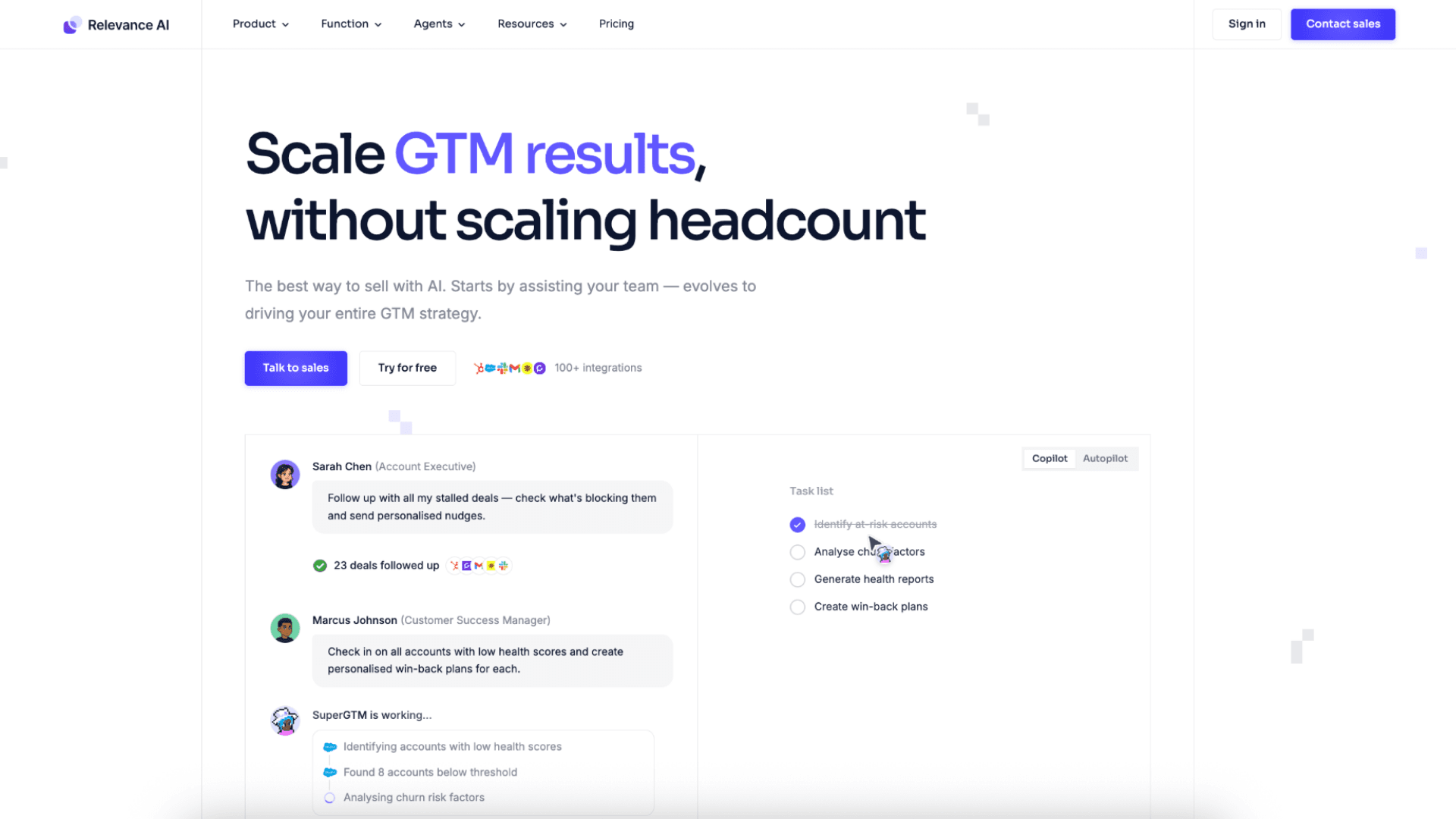
Relevance AI analyzes customer behavior and historical data to score leads, segment audiences, and recommend next best actions for sales teams. It turns messy CRM data into clear, actionable priorities without requiring manual analysis. The platform continuously learns from campaign outcomes to refine its recommendations over time.
Like other strong augmented AI examples, Relevance AI keeps humans in the loop. You define scoring rules, review segmentations, and adjust strategy based on qualitative feedback. The AI accelerates execution; you steer direction. This balance is what separates genuine augmented AI examples from fully automated tools that lack strategic flexibility.
Coding & Engineering: Augmented AI Examples for the Vibe Coding Era
Writing code is no longer just about syntax—it's about solving problems faster. These augmented AI examples help developers move from typing to thinking, automating repetitive tasks while keeping engineers in charge of architecture and quality.
Claude Code by Anthropic
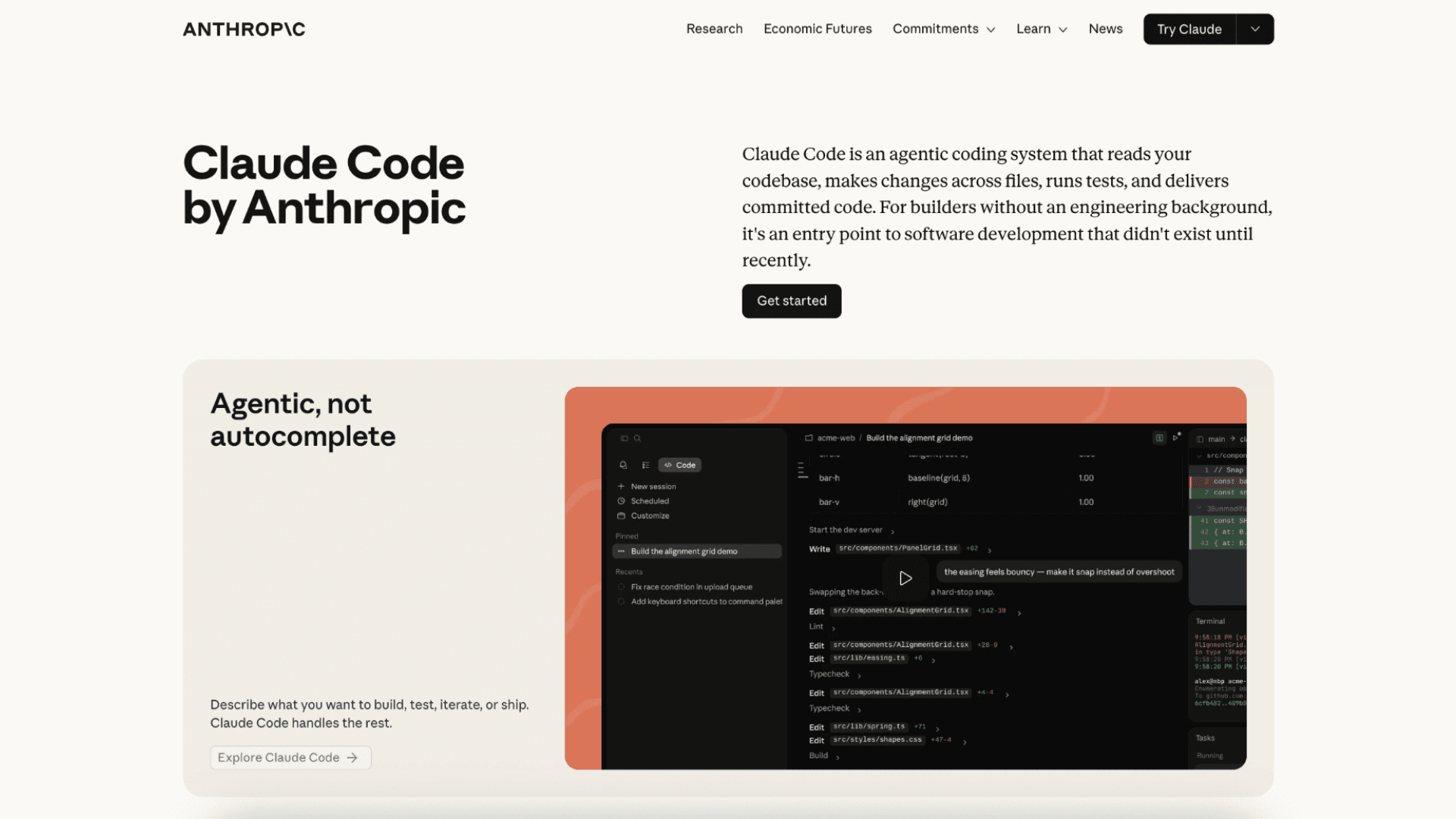
Claude Code can write files, run terminal commands, and debug errors based on natural-language instructions. Describe what you need, and it generates working code while respecting your project's structure. It understands dependencies and documentation, so suggestions align with your existing technical standards.
Among emerging augmented AI examples, Claude Code stands out for keeping engineers in control. You review outputs, test edge cases, and approve changes before merge. The AI handles implementation; you own the system design. This workflow is why augmented AI examples are reshaping how engineering teams think about productivity.
Cursor
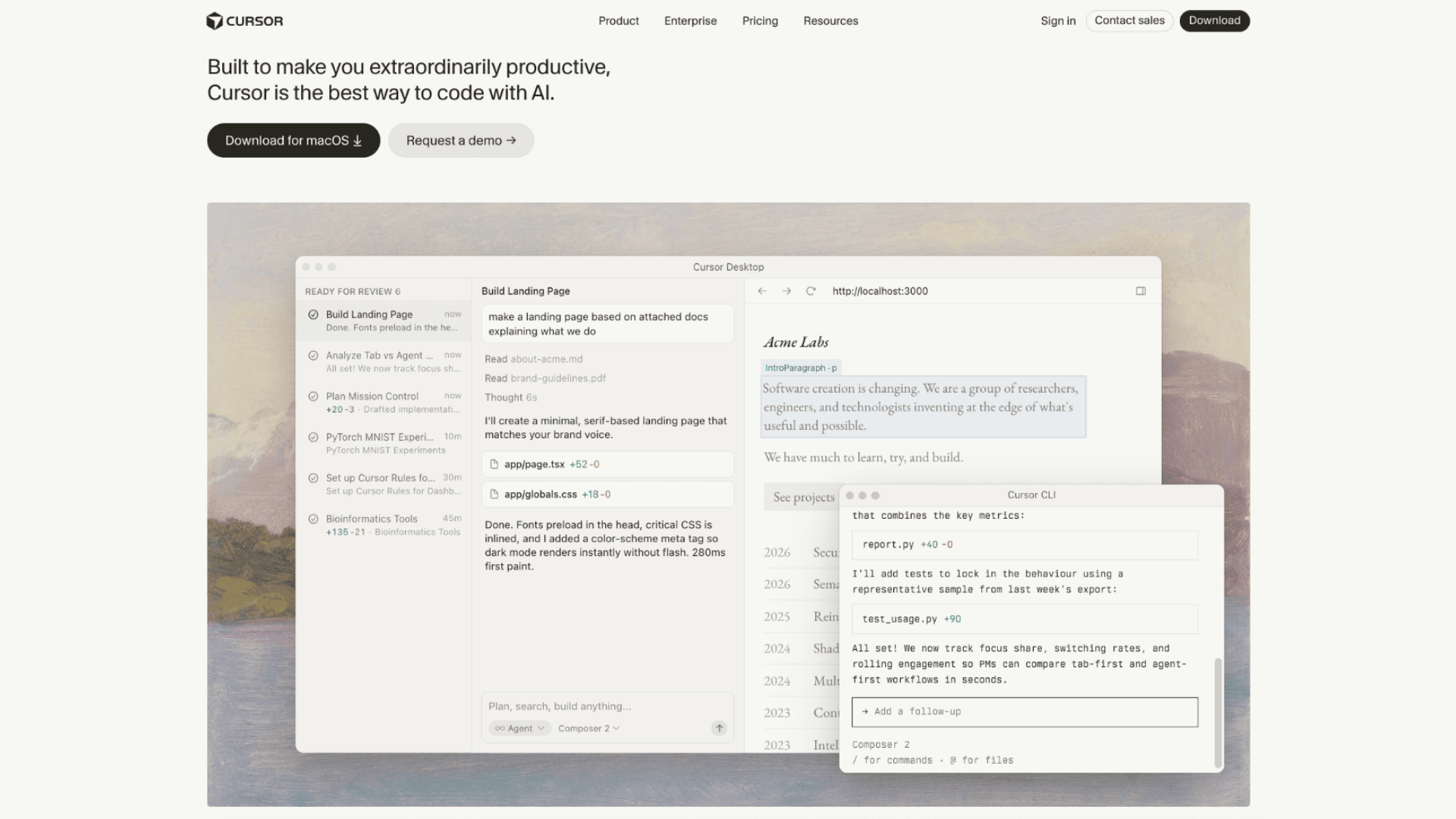
Cursor lets you chat with your entire codebase to refactor functions, generate tests, or explain complex logic. Instead of searching through files manually, you ask questions and get contextual answers. The tool maintains awareness of project conventions, ensuring suggestions fit your team's coding style.
This approach defines modern augmented AI examples: AI accelerates comprehension and execution, while developers validate performance and security. Teams using Cursor report spending less time debugging and more time building. For engineers exploring augmented AI examples that integrate smoothly, Cursor offers a compelling balance of power and control.
GitHub Copilot
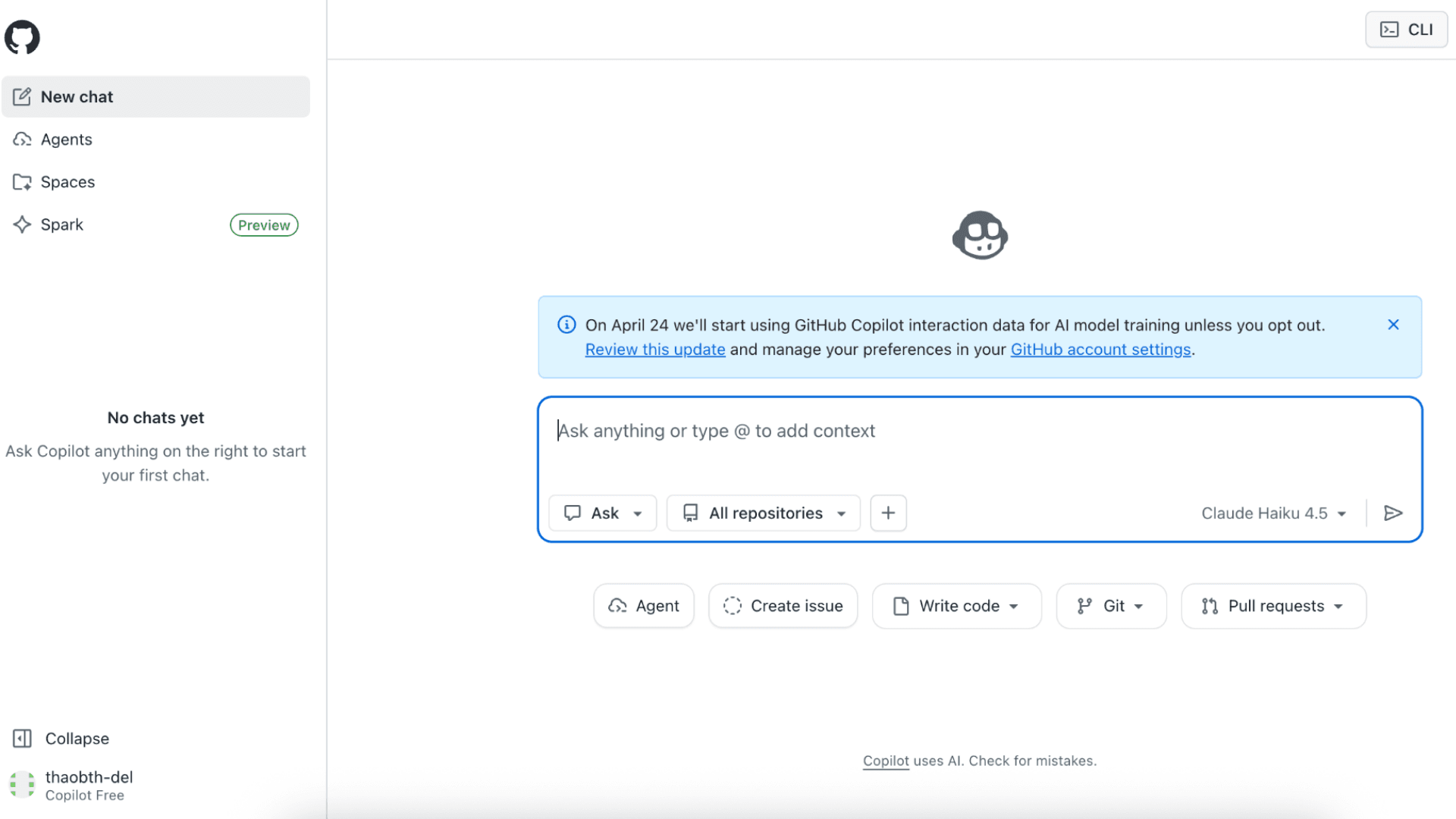
GitHub Copilot suggests code completions, flags potential bugs, and explains functions as you type. It learns from your patterns and project context to offer relevant, timely assistance. The tool works inside your existing IDE, so adoption requires minimal workflow changes.
As one of the most adopted augmented AI examples, Copilot works best when paired with human review. Developers accept, edit, or reject suggestions, ensuring code meets quality standards. The result is faster development without compromising maintainability, which is why augmented AI examples like Copilot continue to set the standard for intelligent developer tools.
Creative & Multimedia: Augmented AI Examples That Amplify Human Creativity
Creative work thrives on iteration, but the mechanical parts—resizing, editing, generating variants—can drain energy from the actual craft. These augmented AI examples handle the repetitive production tasks while you focus on vision, voice, and final approval.
Adobe Firefly
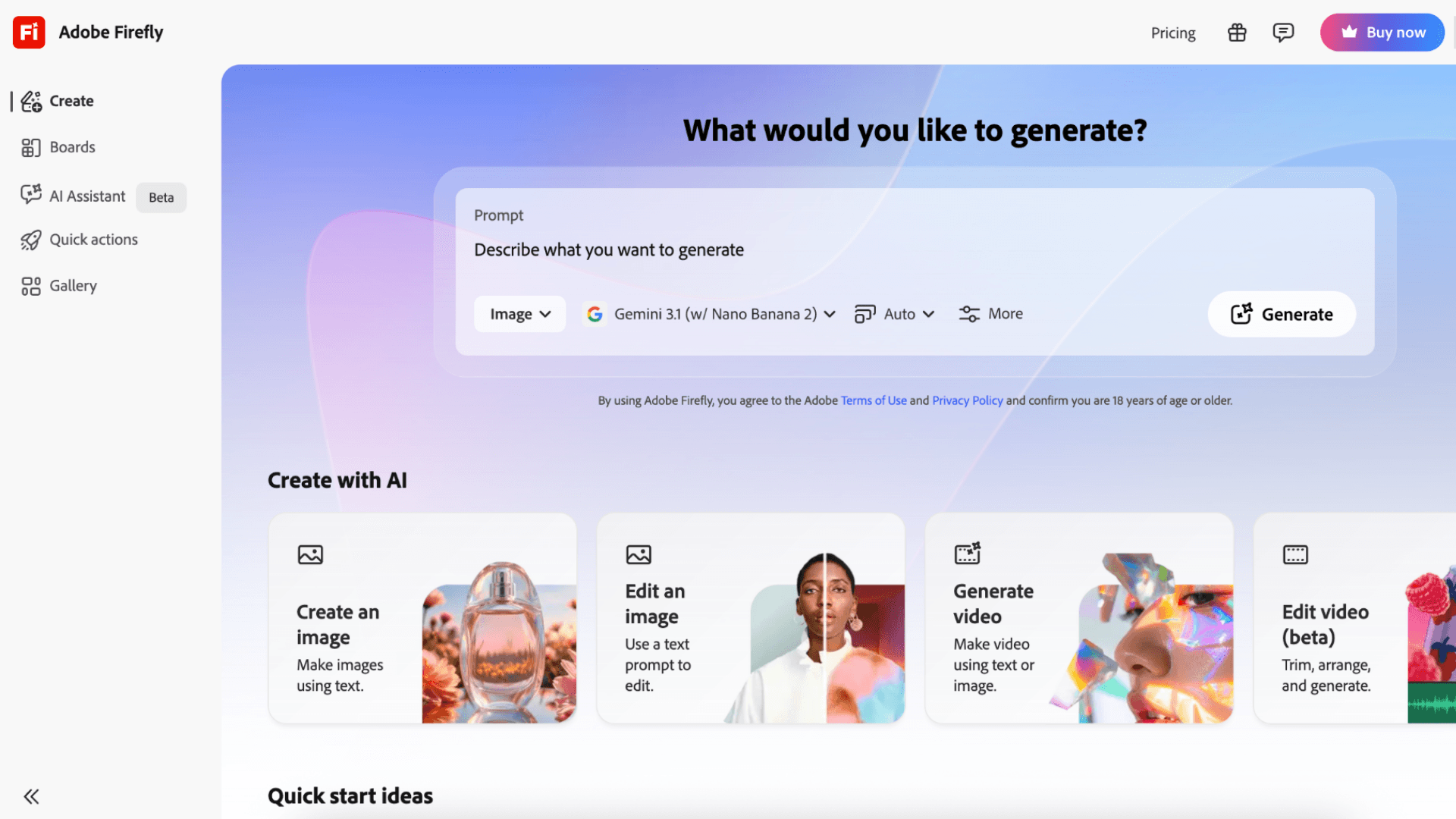
Adobe Firefly integrates directly into Photoshop and Illustrator, letting you expand images, replace objects, or generate color palettes using simple text prompts. Instead of spending hours on manual edits, you describe what you need and the AI produces multiple options to choose from. The tool learns from your design history, so suggestions gradually align with your aesthetic preferences.
As one of the most versatile augmented AI examples for creatives, Firefly keeps artistic control firmly in your hands. You review every generated element, adjust composition, and ensure brand consistency before finalizing assets. The AI accelerates prototyping; you define the creative direction. This workflow is why augmented AI examples like Firefly are becoming essential for teams balancing speed with brand integrity.
ElevenLabs
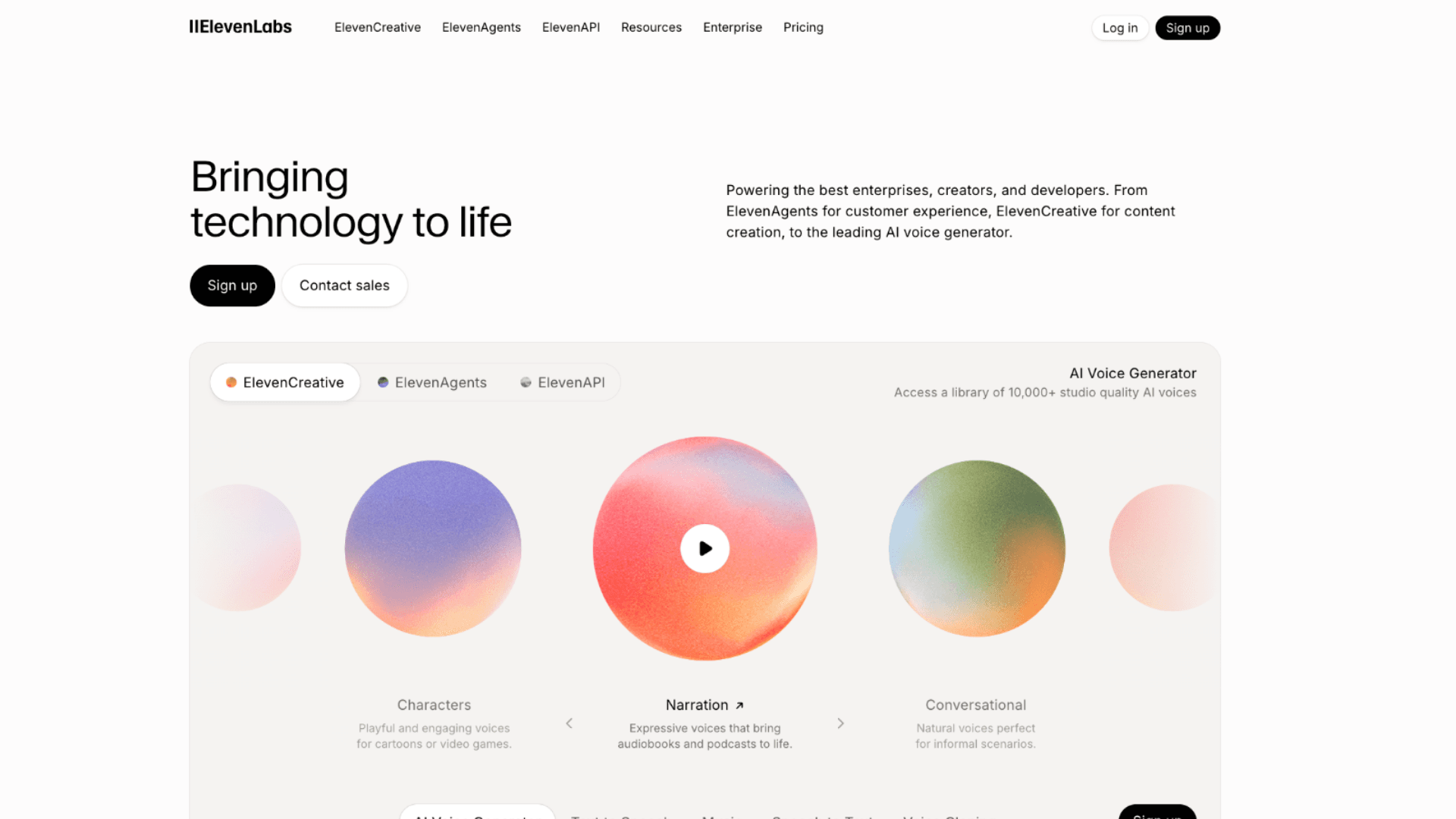
ElevenLabs converts text into natural-sounding voiceovers with precise control over tone, pacing, and emotion. Instead of booking studio time or recording multiple takes, you generate professional audio in seconds and fine-tune delivery with simple sliders. The platform supports multiple languages and custom voice cloning for consistent brand narration.
Among practical augmented AI examples for content creators, ElevenLabs maintains human oversight at every creative decision point. You select the right voice for your audience, adjust emotional emphasis, and approve final outputs before publishing. The AI handles technical synthesis; you shape the storytelling. This balance enables faster content production without sacrificing the nuance that only human judgment provides.
Descript
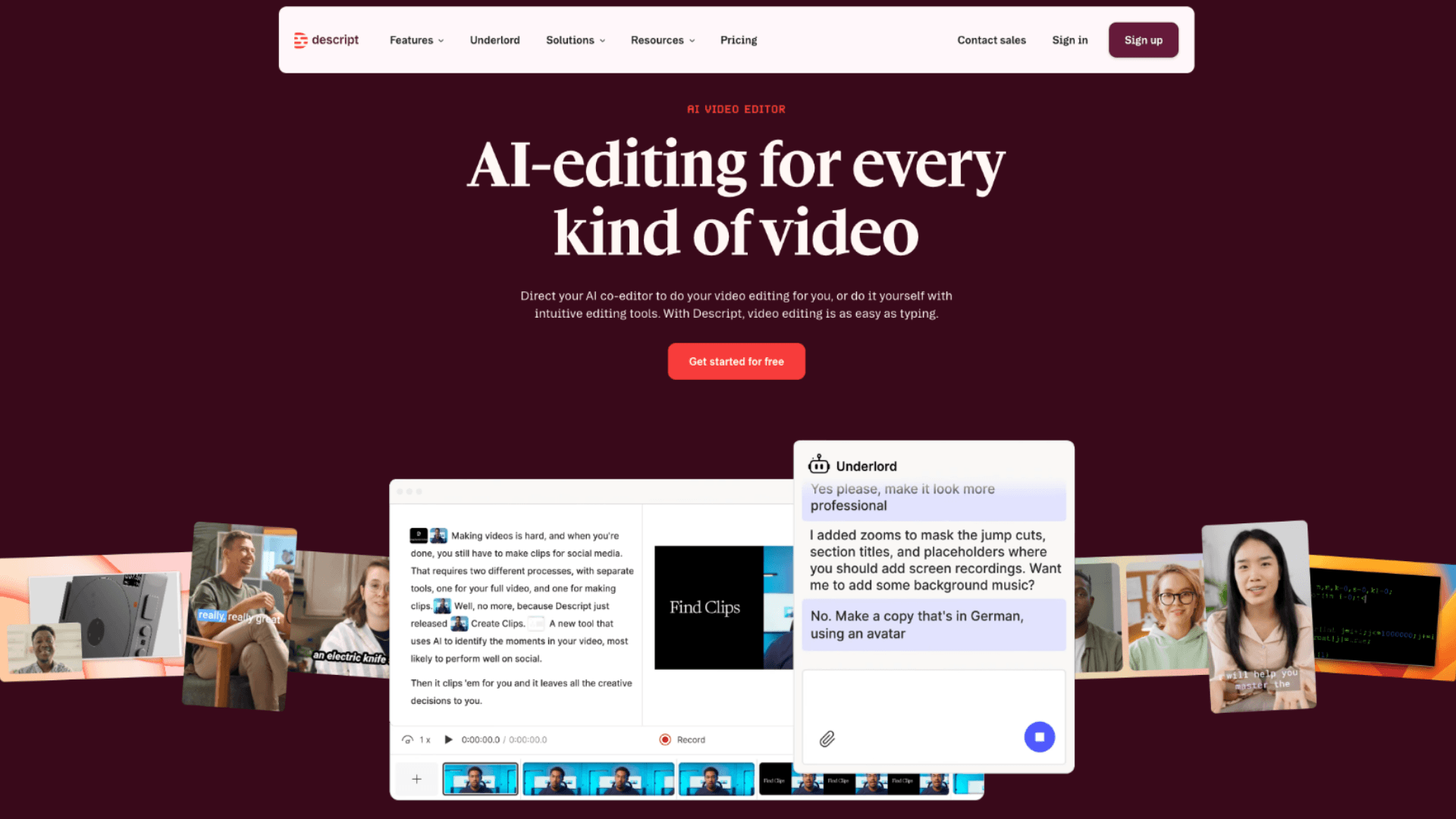
Descript lets you edit video and audio by simply editing the transcript—delete a word from the text, and it cuts that moment from the media. The tool also auto-removes filler words, suggests tighter cuts, and generates captions in multiple languages. For podcasters and video creators, this transforms hours of manual editing into a streamlined, text-based workflow.
Like other effective augmented AI examples, Descript keeps creative judgment with you. You decide which moments to keep for emotional impact, adjust pacing for narrative flow, and approve final exports. The AI handles mechanical editing; you craft the story. Teams using this approach report cutting post-production time in half while maintaining higher creative standards.
Workflow & Agentic Assistants: Augmented AI Examples That Work While You Focus
The newest wave of augmented AI examples doesn't just assist with single tasks—it orchestrates entire workflows across apps, emails, and calendars. These tools act as proactive partners that handle coordination while you focus on high-value decisions.
Carly AI

Carly operates entirely through email, handling scheduling, research, CRM updates, and travel booking without requiring new apps or complex setup. You simply describe what you need—"Find three competitors in the fintech space and draft a summary"—and Carly executes while learning your preferences over time. The tool connects to 200+ integrations, making it adaptable to nearly any workflow.
As one of the most flexible augmented AI examples for executives, Carly keeps you in control through simple email replies. You review research outputs, adjust priorities, or redirect tasks with a quick response. The AI handles execution; you set strategy. This lightweight oversight model is why augmented AI examples like Carly are gaining adoption among time-constrained leaders.
Relay.app
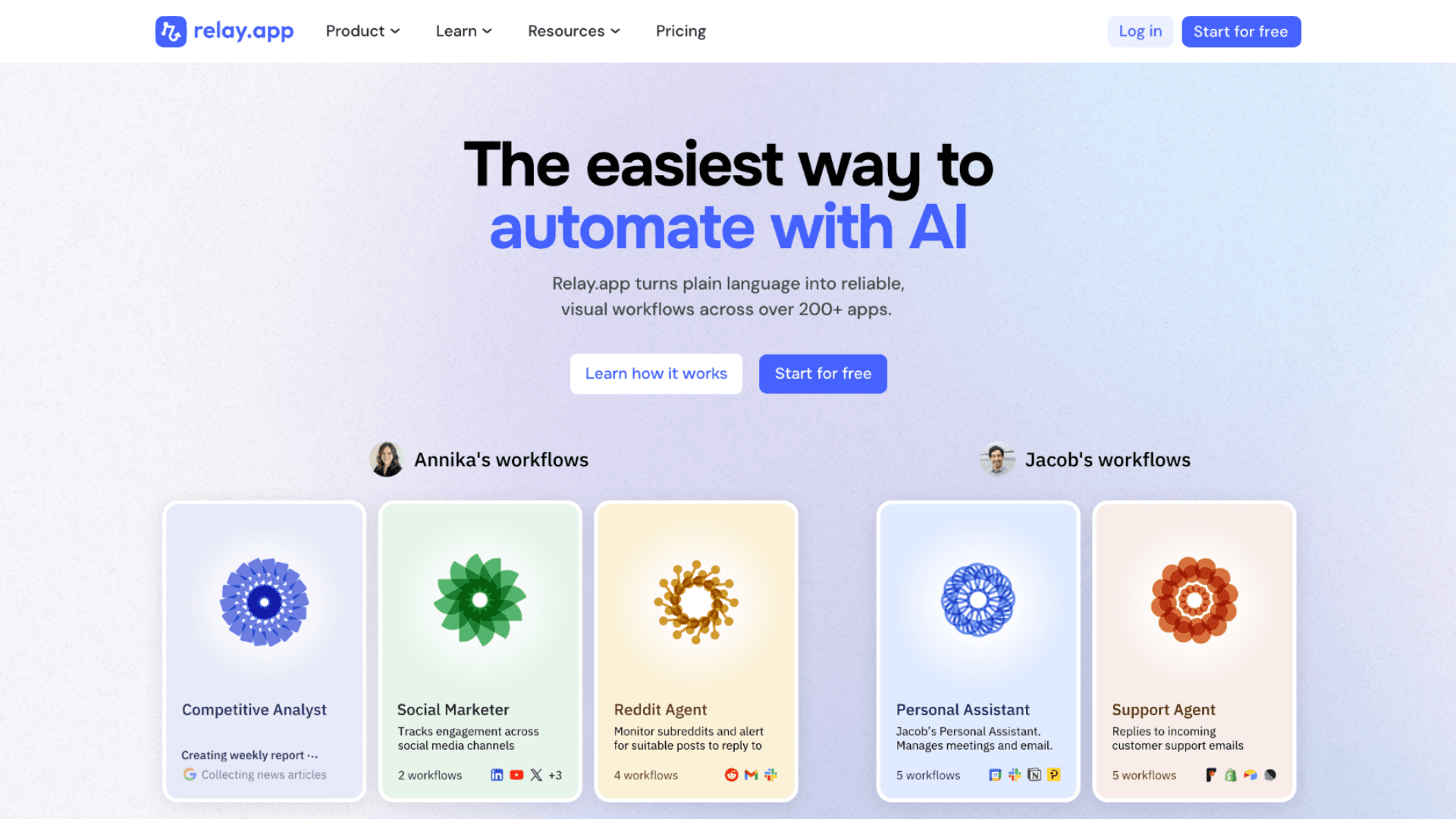
Relay.app automates multi-step workflows between apps while building in explicit approval checkpoints for sensitive actions. You design a process—like lead qualification or content publishing—and Relay executes each step, pausing automatically when human review is needed. The platform visualizes the entire workflow, so you always know where AI is acting and where you need to decide.
Among modern augmented AI examples, Relay.app stands out for making human-in-the-loop design intuitive. You approve or adjust at defined gates, ensuring quality and compliance without sacrificing automation speed. The AI handles routine execution; you provide judgment at critical moments. This architecture proves that augmented AI examples can scale efficiency without compromising control.
Fireflies.ai
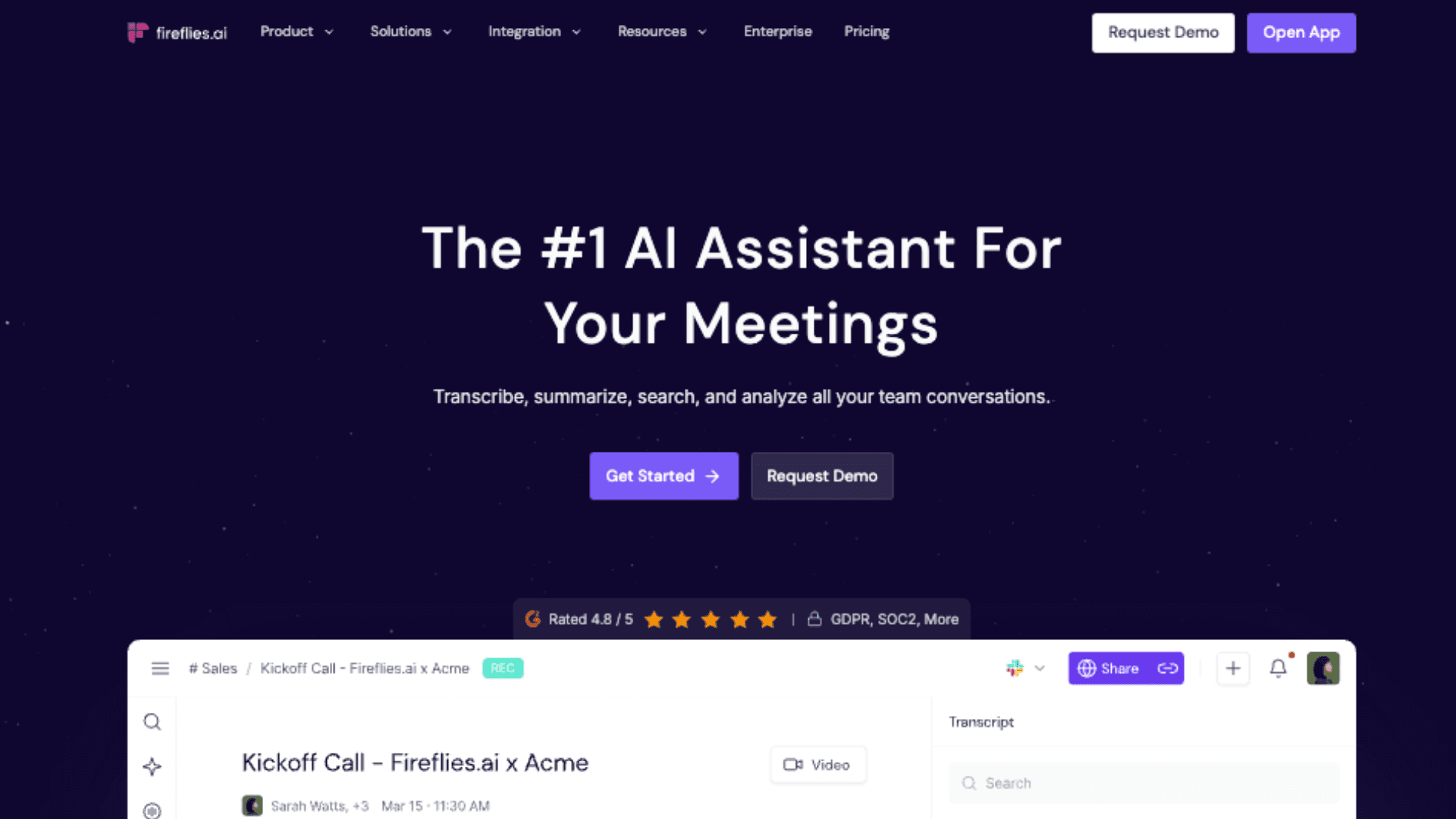
Fireflies.ai records and transcribes meetings, then auto-generates summaries, action items, and follow-up drafts. Nuance DAX does the same for clinical conversations, converting doctor-patient discussions into structured medical notes. Both tools eliminate manual note-taking while preserving context for later review.
Like other practical augmented AI examples, these platforms keep final approval with you. You edit transcripts for accuracy, refine action items for clarity, and decide what gets shared with stakeholders. The AI handles documentation; you ensure relevance and precision. Professionals using these tools report reclaiming several hours per week while improving meeting follow-through.
How Haposoft Applies Augmented AI in Practice
We don't just write about augmented AI — we use it daily in how we deliver software.
At Haposoft, our engineers use tools like Claude Code and Cursor as standard parts of our development workflow. The impact is measurable: in Q1 2026, our project estimates decreased by approximately 30% thanks to AI-augmented development, and our teams consistently delivered within those reduced estimates while maintaining code quality and margin. Overall, our AI-augmented workflow has increased delivery speed by over 50% compared to traditional development processes.
This isn't about replacing developers. It's about letting experienced engineers focus on architecture, system design, and client communication while AI handles boilerplate implementation, test generation, and code review assistance. The result: 50% faster delivery, fewer bugs, and more time for the decisions that actually require human judgment.
Here's what this looks like in practice:
- AI-augmented offshore development: Our bridge engineers — fluent in Japanese, English, and Vietnamese — combine deep domain knowledge with AI-powered development tools. Clients get the cost advantages of offshore with the communication quality of onshore, amplified by AI-driven velocity.
- Food traceability and compliance automation: We're building traceability solutions that combine AI-powered data processing with human-verified audit trails — a practical augmented AI example for manufacturers preparing for Vietnam's Circular 11/2026/TT-BCT regulatory requirements.
- Quality assurance at scale: Our ISO 9001:2015 and ISO 27001 (ISMS) certified processes ensure that AI augments quality — it never bypasses it. Every AI-generated output goes through human review before reaching production.
Why "Human + AI" Is the Future of the Knowledge Economy
Let's cut through the hype for a second.
Everyone's talking about AI replacing jobs. But if you actually look at what's working in real companies right now, the story is different. The teams winning aren't the ones automating everything. They're the ones pairing AI with human judgment—intentionally. That's augmented AI in practice. And there are three concrete reasons this approach is sticking.
- Boost productivity without displacing jobs: Full automation often triggers large-scale workforce restructuring, cultural disruption, and loss of tacit knowledge. Augmented AI helps employees work "smarter," shifting from task execution to analysis and creative problem-solving.
- Balanced decision-making: data + context: AI excels at detecting correlations but often lacks understanding of cultural nuance, business ethics, or socio-political factors. Humans add this "judgment layer," ensuring decisions are both data-optimal and practically viable.
- Regulatory compliance & risk governance: Emerging frameworks like the EU AI Act, NIST guidelines, and ISO/IEC 42001 all emphasize human oversight for high-impact AI systems. Augmented AI bakes this requirement into its design, helping organizations reduce legal risk and build customer trust.
Start by asking three simple questions: Does this tool anticipate needs or just wait for prompts? Does it make human review easy and natural? Does it learn when you correct it? If yes to all three, you're likely looking at a genuine augmented AI example.
Then pilot small. Pick one workflow that everyone complains about—code reviews, meeting notes, lead scoring. Test one tool there for two weeks. Measure time saved, yes, but also decision quality. Iterate before you expand. That's how you avoid tool fatigue and actually move metrics.
Ready to implement augmented AI without the guesswork?
Haposoft help teams integrate AI-augmented development practices that boost velocity while preserving code quality and developer autonomy. Our approach is practical: embed intelligent assistance where it multiplies human capability, not replaces it.
See how our AI-augmented software development services can work for your team.
Start where friction is highest. Measure what matters. Scale what works. That's how augmented AI examples become competitive advantage—not just another tool in the stack.
Conclusion
Augmented AI isn't a luxury reserved for large enterprises—it's an essential collaboration mindset in the era of ubiquitous artificial intelligence. When AI handles the "hard" parts (data, computation, pattern recognition), humans are freed to focus on the "soft" parts (creativity, empathy, strategy, ethics). The 15 Augmented AI examples above show this model isn't just technically feasible; it's already proving its value through measurable gains in productivity, decision quality, and human experience.
Organizations that recognize AI not as a competitor, but as a capability-amplifying teammate will lead the digital transformation wave of 2025–2030. The question is no longer "What jobs will AI take?" but rather: "How will we work with AI to create value that no AI could achieve alone?"