


The line between human workflows and automated systems keeps shifting. We are no longer just talking to tools that repeat pre-written answers. Modern AI agents understand context, reason through steps, and take action without waiting for a prompt. They handle tasks from start to finish, which changes how teams actually work.
You have probably seen demos that promise endless automation. Most real-world use cases are quieter and more focused on specific business problems. This guide breaks down actual AI agent examples across different industries. You will see how teams are already using them to cut friction and move faster.
What Actually Makes an AI Agent an "Agent"?
An AI agent is software that pursues a goal with some degree of independence. It does not just respond to prompts. It perceives its environment, plans a sequence of actions, uses tools like APIs or databases, and learns from the outcomes. That loop—sense, think, act, reflect—is what separates an agent from a script.
Agents come in different shapes. Some are narrow and task-focused, like an automation that handles invoice approvals. Others are more general, designed to coordinate across multiple workflows. You can also have single agents working alone, or multi-agent systems where specialized bots collaborate, like a researcher agent feeding insights to a writer agent. These AI agent examples show how businesses are moving from simple task automation toward systems that can reason and operate more autonomously.
Read more: AI Agents Explained From Architecture to Enterprise Deployment
The practical difference shows up in how they handle ambiguity. A rigid automation fails when data is missing or a step changes. An agent can ask a clarifying question, try an alternative path, or flag the issue for a human. That flexibility is why teams are moving beyond simple bots toward agent-based designs.
Below are real-world AI agent examples where this approach is already delivering value. These are not hypothetical demos. They are systems running in production, solving specific problems for real businesses.
Top 20+ AI Agent Examples in Action
These AI agent examples show how businesses are already using agents in real workflows, not just experiments or demos. Some focus on automating repetitive tasks, while others help teams handle more complex decisions and operations faster.
Customer Service & Support Agents
Customer service remains one of the most mature fields for AI agent adoption. The reason is simple: support teams handle high volumes of repetitive yet context-heavy interactions every day. Many modern AI agent examples in this space do not just retrieve answers from a knowledge base. They resolve issues by interacting with backend systems, updating records, and coordinating with human teams when needed.
Automated Ticket Resolution
Modern AI agents can handle entire support tickets from start to finish without human intervention. When a customer reports a lost credit card, the agent verifies identity via voice biometrics or OTP, locks the card instantly, and initiates the replacement process. It then sends confirmation with tracking details, cutting resolution time from days to minutes. Platforms like Aisera and Intercom enable this end-to-end automation at scale.
Intelligent Routing & Triage
Instead of forcing customers through rigid phone menus, AI agents analyze intent and urgency in real time. They distinguish between a simple password reset and a critical fraud alert, directing each to the right channel or specialist. High-priority issues get immediate attention while routine questions resolve automatically. This dynamic triage improves both customer satisfaction and team efficiency.
Sentiment-Aware Escalation
Agents now monitor tone and emotional cues during live chats or calls to detect frustration early. When a customer shows signs of anger or confusion, the system seamlessly escalates to a human supervisor with full conversation context. The handoff feels natural because the agent pre-summarizes the issue and suggested next steps. This approach preserves empathy while keeping resolution times low.
Proactive Outreach Based on Behavior
Rather than waiting for complaints, agents predict issues using usage patterns and transaction history. If a subscription payment fails, the agent reaches out automatically with a secure link to update payment details before service interrupts. Customers appreciate the heads-up, and retention rates improve as a result. This shift from reactive to proactive support is becoming a standard expectation.
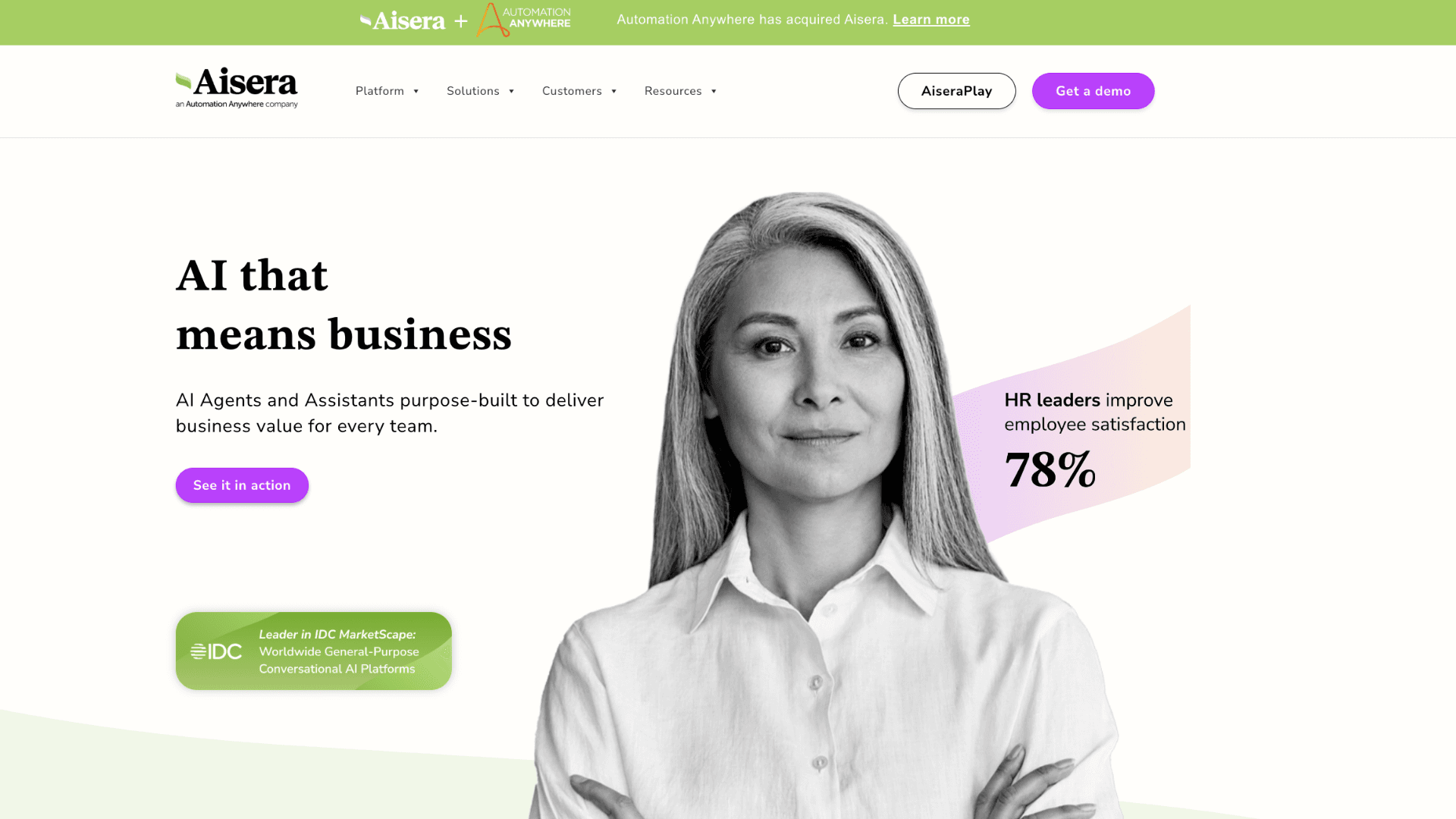
Platform Spotlight: Aisera stands out for teams ready to deploy support agents quickly. It comes with pre-built workflows for common IT and customer service tasks, plus deep integrations with Salesforce, ServiceNow, and Slack. You can start with one use case—like password resets—and expand to more complex flows as confidence grows.
Sales & Marketing Agents
Sales and marketing teams deal with fragmented data, tight timelines, and constant pressure to personalize at scale. AI agents help by connecting signals across tools and taking action without waiting for manual approval. The result is faster movement through the funnel and more relevant experiences for prospects. These examples show how agents are changing the workflow, not just the output.
Lead Scoring and Smart Routing
When a demo request lands, an agent enriches the lead with firmographic data and behavioral signals from the website. It scores intent based on pages visited, content downloaded, and engagement frequency. High-potential prospects route to senior reps instantly, while colder leads enter a nurture sequence. The system learns which patterns correlate with closed deals and refines its logic over time.
Dynamic Cart Recovery
Abandoned carts represent lost revenue, but generic reminder emails rarely convert. An agent analyzes what the shopper viewed, checks inventory levels, and crafts a personalized offer—maybe free shipping or a time-limited discount. It sends the message when the user is most likely to engage, based on past behavior. If they convert, the win logs automatically; if not, the agent adjusts the next attempt.
Hyper-Personalized Content Delivery
Agents segment audiences not just by demographics but by real-time engagement patterns. They dynamically adjust email subject lines, landing page copy, or ad creatives for each micro-segment. The system tests variations quietly in the background and scales what works. Marketers spend less time on manual A/B testing and more on strategy and creative direction.
Competitive Intelligence Monitoring
Keeping tabs on competitors used to mean manual searches and spreadsheet tracking. An agent now monitors competitor websites, job postings, press releases, and social channels continuously. It synthesizes changes into weekly digests and flags urgent moves like pricing updates or feature launches. This is one of the more practical AI agent examples for lean marketing and product teams that need continuous monitoring without adding headcount.
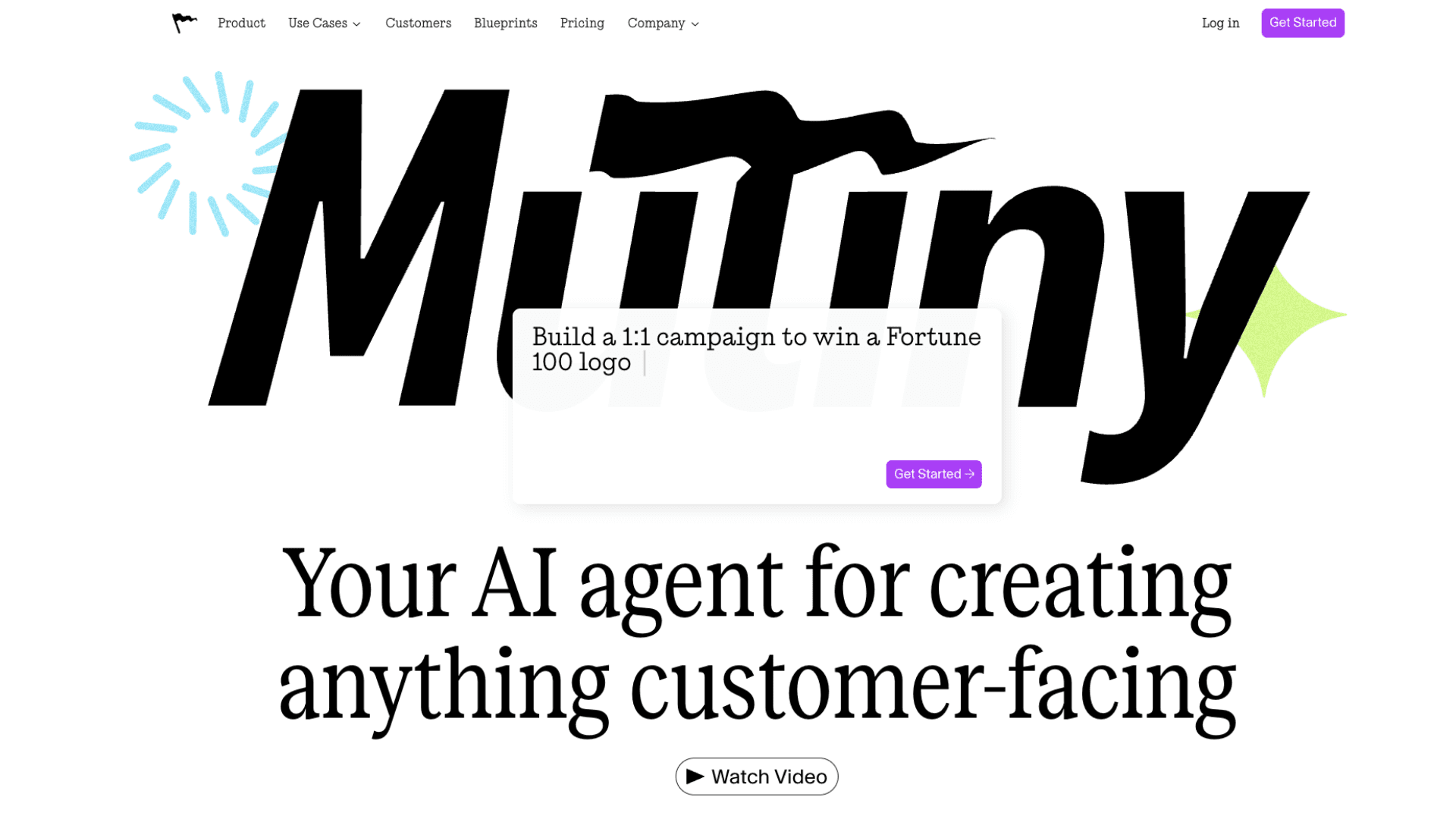
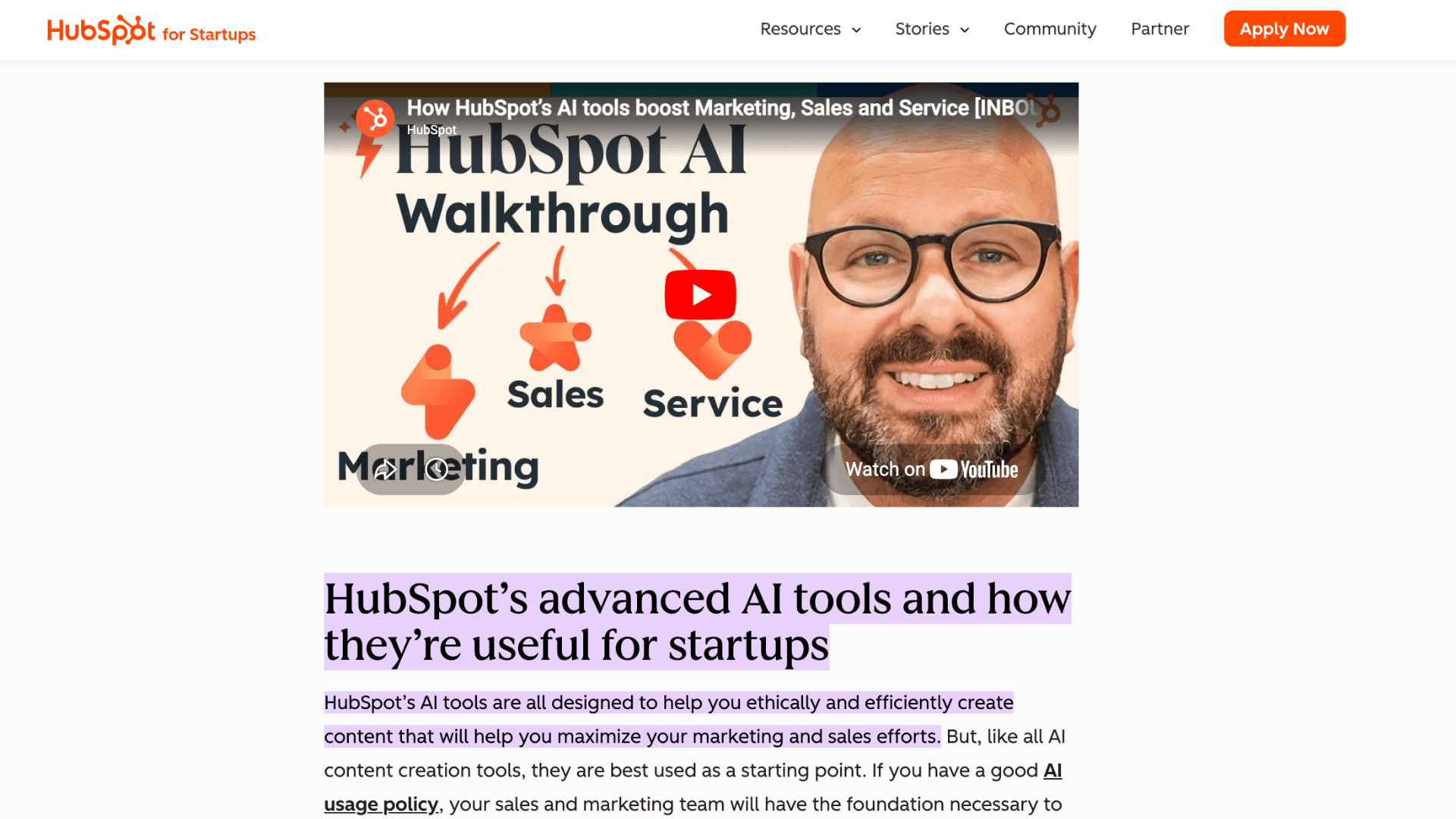
Platform Spotlight: Mutiny and HubSpot AI make personalization actionable for mid-market teams. Mutiny adjusts website content in real time based on visitor profile and behavior, while HubSpot's agent layer automates lead nurturing across email, chat, and CRM. Both require minimal engineering and show measurable lift in conversion within weeks.
Software Development & IT Operations Agents
Engineering teams spend too much time on repetitive tasks that distract from building great products. AI agents in this space act as force multipliers, handling code reviews, incident response, and infrastructure management. They do not replace developers; they remove friction from the workflow. The examples below show how agents are becoming reliable teammates in technical environments.
Automated Code Review and Fix Suggestions
Before code reaches a human reviewer, an agent scans for security flaws, style violations, and performance anti-patterns. It suggests fixes inline and can auto-commit minor corrections like formatting or import cleanup. Developers spend less time on nitpicks and more on architecture decisions. Teams using this pattern see faster merge cycles and fewer post-release bugs.
Self-Healing Infrastructure Monitoring
When monitoring tools detect an anomaly, an agent correlates logs, checks recent deploys, and runs diagnostic scripts automatically. If it identifies a likely cause—like a memory leak or failed dependency—it can roll back a change or scale resources without waking an engineer. Throughout the process, it keeps the on-call team updated with a concise summary. Among enterprise AI agent examples, this is one of the clearest shifts from reactive monitoring to autonomous operations. Mean time to resolution drops significantly, and alert fatigue decreases.
Test Generation and Maintenance
Writing and updating tests is essential but often deprioritized under deadline pressure. An agent analyzes new code changes and generates relevant unit or integration tests automatically. When tests fail, it diagnoses whether the issue is in the code or the test itself, suggesting fixes for both. This keeps coverage high without slowing down development velocity.
Developer Onboarding Assistant
New engineers waste days figuring out repo structure, local setup, and internal tooling. An agent guides them through environment configuration, explains codebase conventions, and answers questions about internal APIs. It integrates with documentation, Slack, and CI/CD systems to provide context-aware help. Teams report faster ramp-up times and fewer interruptions for senior developers.
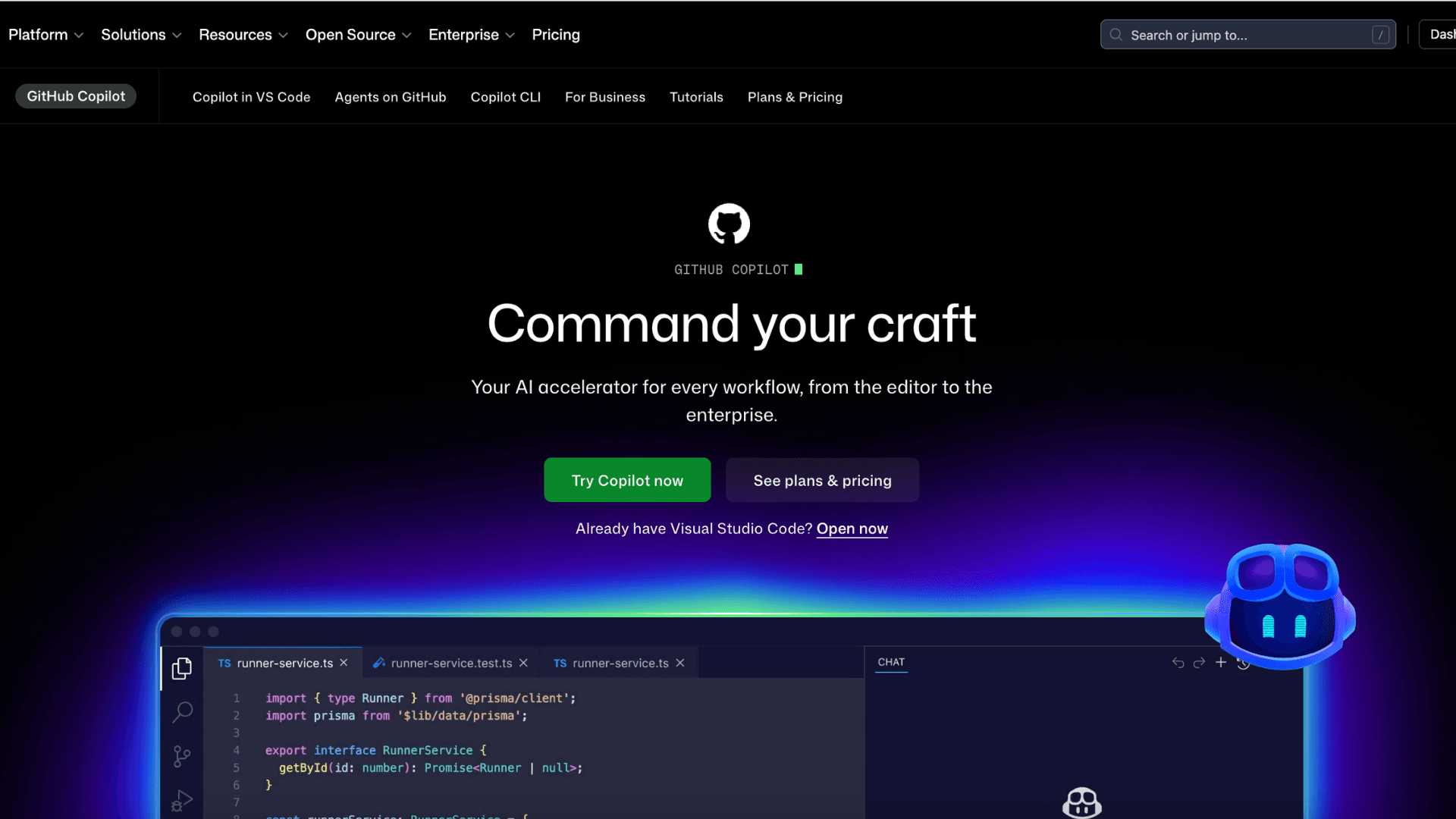
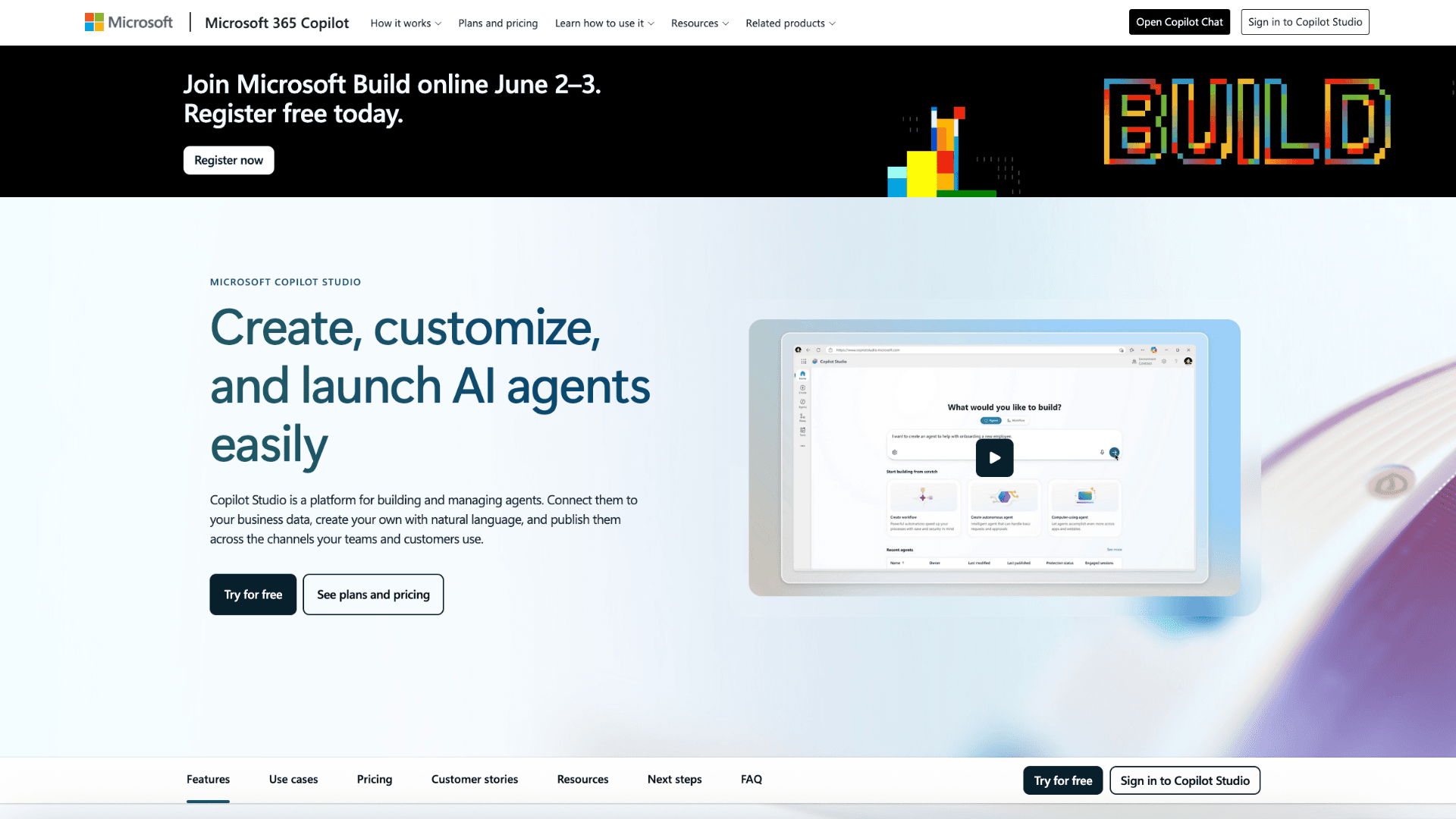
Platform Spotlight: GitHub Copilot Workspace and Microsoft Copilot Studio give engineering teams a practical entry point. Copilot Workspace lets developers describe a feature in plain language and generates scaffolding, tests, and PR drafts. Copilot Studio extends this to IT ops by connecting agents to Azure Monitor, Teams, and internal runbooks. Both reduce context switching and keep work inside familiar tools.
Finance & Accounting Agents
Finance teams juggle accuracy, compliance, and speed—often with manual processes that create bottlenecks. AI agents bring automation to data-heavy workflows while maintaining audit trails and control points. Many AI agent examples in finance handle the repetitive work so humans can focus on analysis and strategy. Here is how agents are reshaping finance operations in practice.
Intelligent Invoice Processing
An agent ingests invoices from email, PDFs, or scans, extracts line items using vision models, and matches them against purchase orders. If everything aligns, it approves payment automatically; if not, it highlights discrepancies for review with clear reasoning. This cuts processing time from days to hours and reduces duplicate or erroneous payments. Finance teams reclaim time for vendor relationships and cash flow planning.
Automated Month-End Close Support
During close, an agent reconciles accounts across systems, flags unusual variances, and drafts journal entries for accountant approval. It pulls data from ERP, payroll, and expense platforms, reducing manual spreadsheet work and version control issues. The system learns from past adjustments to improve future suggestions. Accountants spend less time gathering data and more time interpreting results.
Real-Time Expense Policy Enforcement
Employees submit expenses through mobile apps, and an agent checks each claim against company policy instantly. It flags out-of-policy items, requests missing receipts, or approves compliant submissions without human review. For borderline cases, it routes to a manager with context and precedent examples. This speeds up reimbursements while maintaining control and reducing policy violations.
Fraud Detection and Anomaly Monitoring
Agents continuously monitor transactions for patterns that deviate from normal behavior, such as unusual vendor payments or duplicate invoices. When an anomaly is detected, the agent gathers supporting data and alerts the finance team with a risk assessment. It can also temporarily hold suspicious transactions pending review. This proactive layer strengthens financial controls without slowing down legitimate operations.
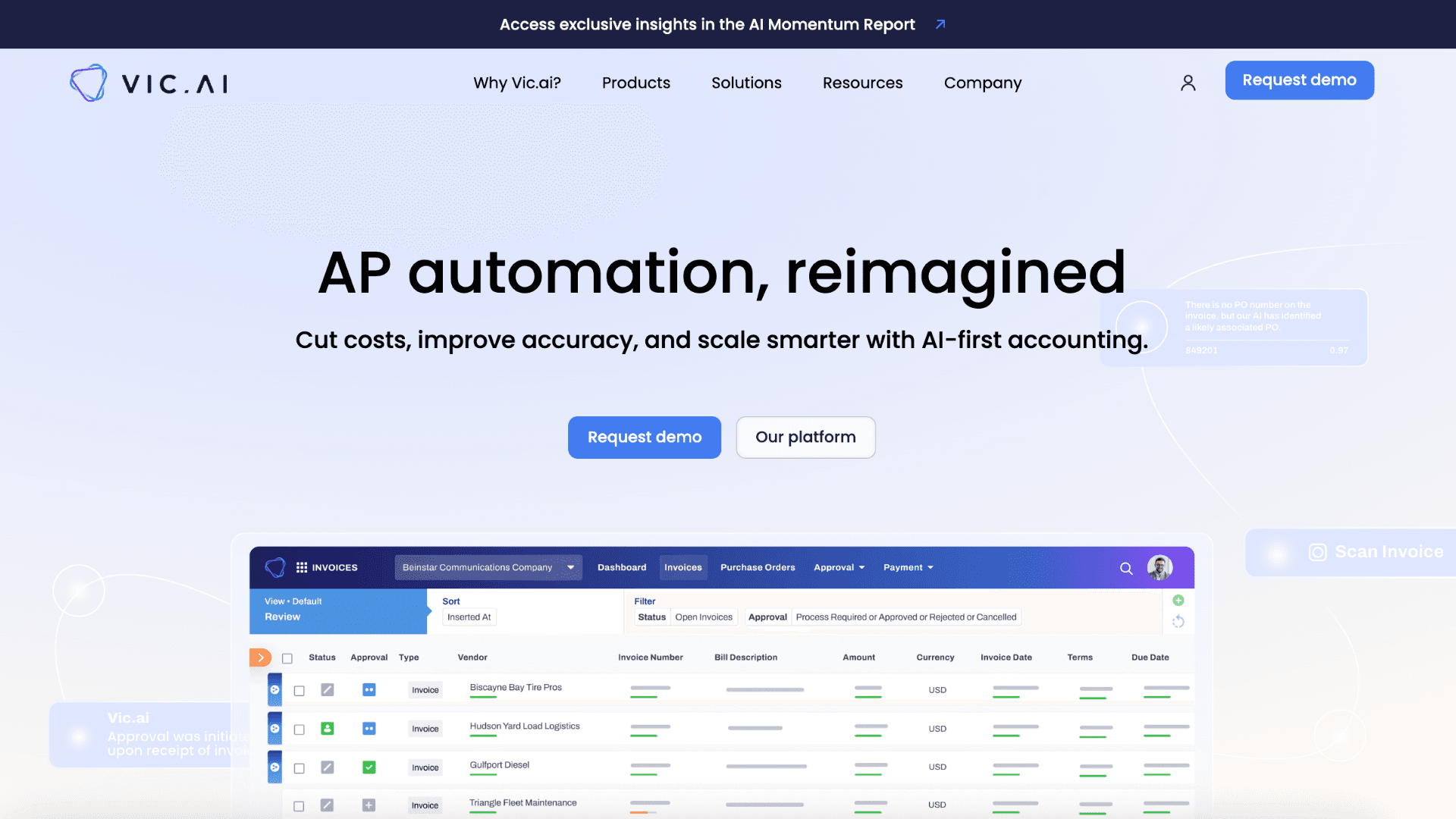
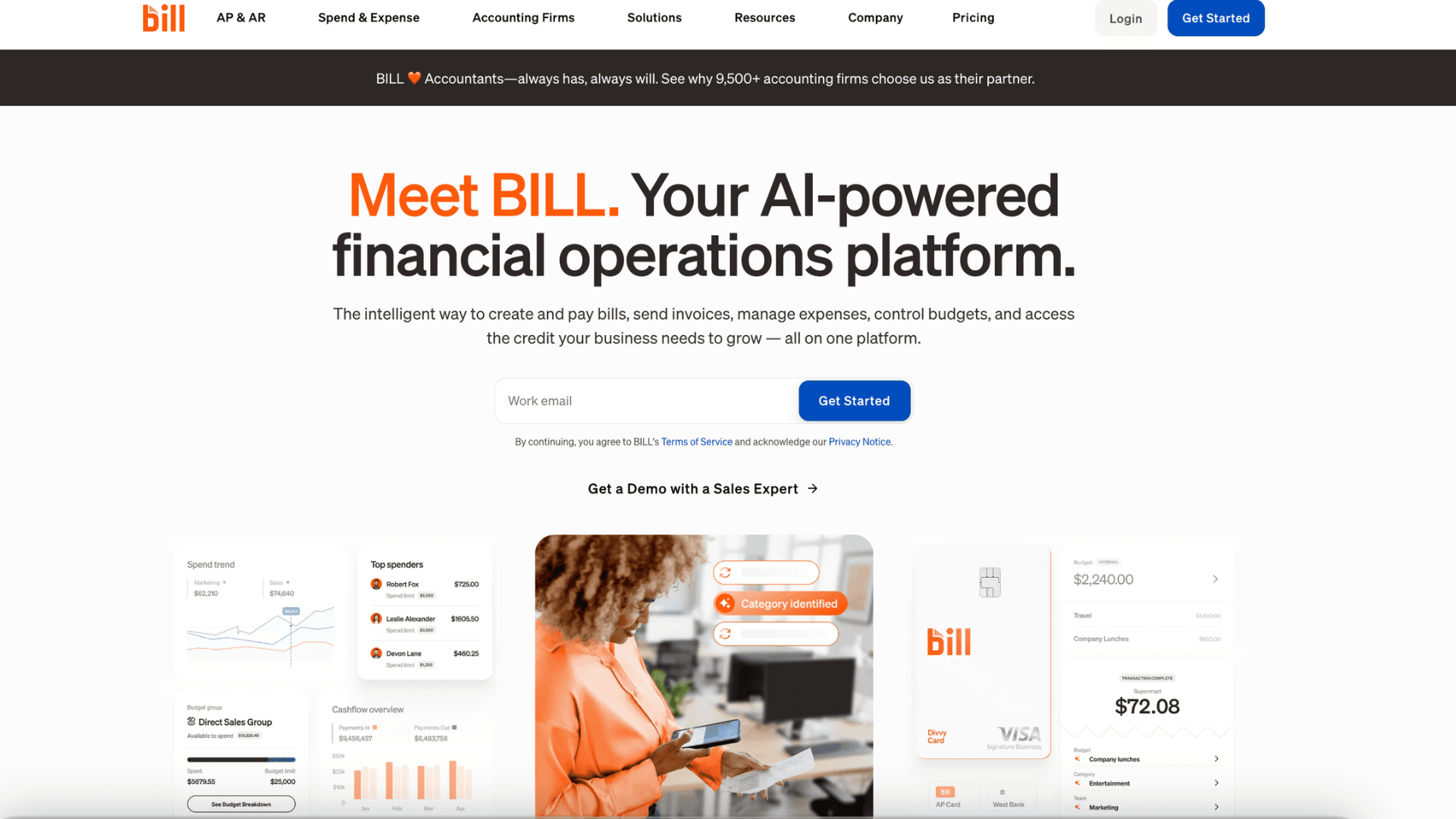
Platform Spotlight: Vic.ai and Bill.com specialize in autonomous finance workflows. Vic.ai focuses on invoice coding, approval routing, and month-end close automation with minimal human input. Bill.com adds agent-powered capabilities for AP/AR, vendor onboarding, and payment reconciliation. Both integrate with major ERPs and prioritize auditability, making them suitable for regulated environments.
Healthcare & Life Sciences Agents
Healthcare workflows involve high stakes, strict regulations, and complex coordination between patients, providers, and systems. AI agents in this space do not diagnose or replace clinicians. They handle administrative friction, surface relevant information at the right time, and keep care teams focused on patients. The examples below show practical deployments that improve access and reduce burnout.
Smart Patient Triage and Scheduling
When a patient describes symptoms in a health app, an agent asks targeted follow-up questions based on clinical guidelines. It assesses urgency, recommends the appropriate care level—telehealth, urgent care, or ER—and books the appointment automatically. The system also pre-populates the clinician's notes with the patient's summary. This reduces wait times and ensures critical cases get priority without overwhelming staff.
Clinical Documentation Support
After a patient visit, an agent listens to the clinician-patient conversation (with consent) and drafts structured notes in the EHR. It suggests billing codes, flags missing information, and organizes findings by problem list. The doctor reviews and edits in minutes instead of writing from scratch. Teams report cutting documentation time by half, which directly reduces after-hours charting—a pain point mentioned repeatedly across healthcare AI agent examples today.
Medication Adherence and Follow-Up
Patients prescribed new medications often struggle with timing, side effects, or refills. An agent sends personalized reminders, answers common questions about interactions, and checks in on tolerability. If a patient reports concerning symptoms, the agent escalates to a nurse or pharmacist with context. This simple loop improves adherence rates and prevents avoidable complications.
Research Recruitment Matching
Clinical trials face constant challenges finding eligible participants quickly. An agent scans de-identified patient records against trial criteria, flags potential matches, and routes them to research coordinators. It can also pre-screen interested patients via chat to confirm basic eligibility. This accelerates enrollment timelines while maintaining privacy and regulatory compliance.
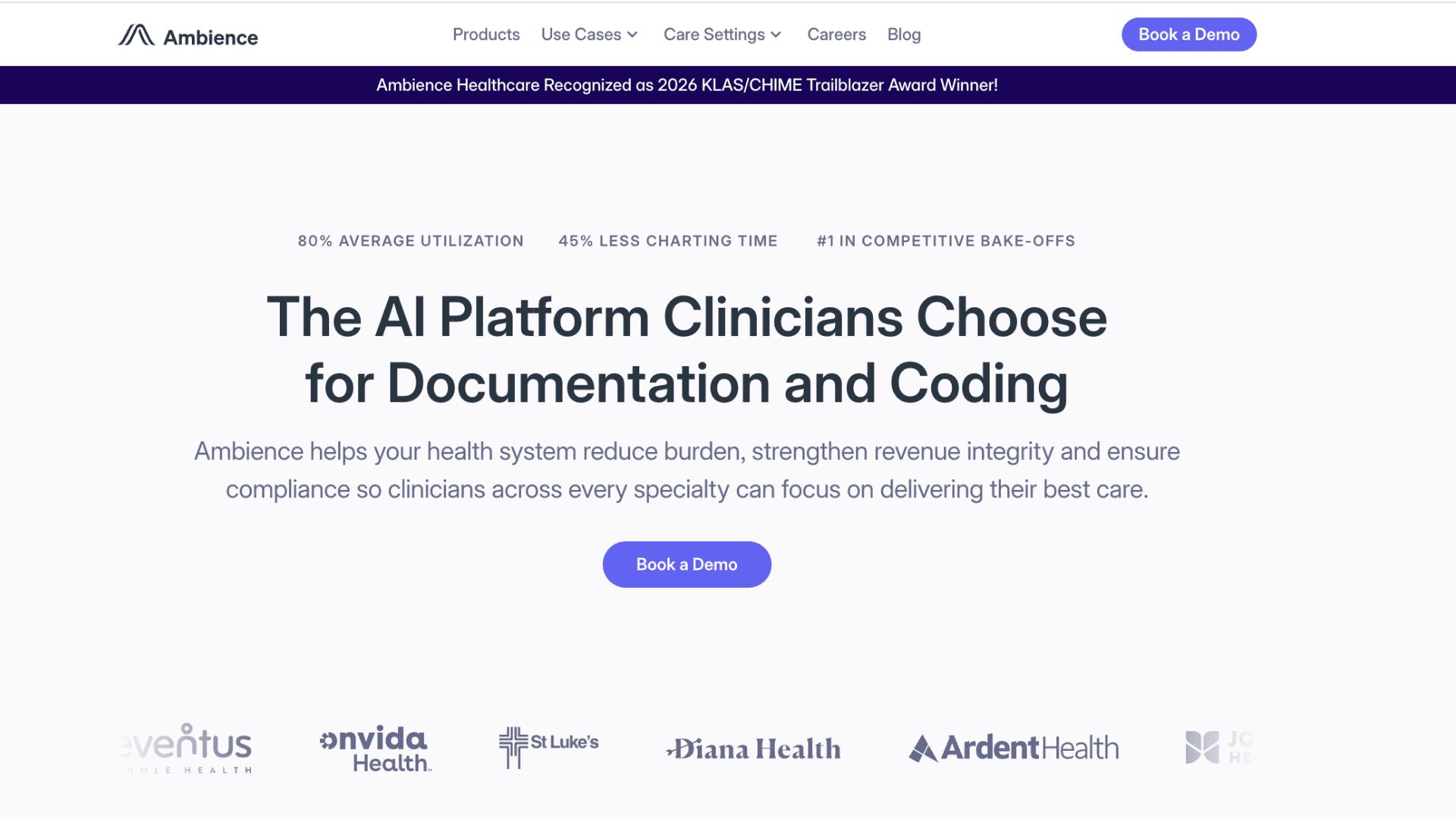
Platform Spotlight: Nuance DAX and Ambience Healthcare lead in clinical documentation and workflow support. Nuance DAX generates visit notes directly from patient conversations, integrating with major EHRs like Epic and Cerner. Ambience offers a suite of agents for ambient documentation, prior authorization, and patient engagement. Both are designed with HIPAA compliance and clinician workflow in mind.
HR & Talent Management Agents
Hiring, onboarding, and employee support involve repetitive tasks that scale poorly with manual effort. AI agents help HR teams move faster while keeping the human touch where it matters most. Unlike older HR automation systems, newer AI agent examples can interact conversationally, adapt to employee context, and coordinate across multiple internal tools. They handle screening, answer policy questions, and surface insights from people data. Here is how agents are changing the employee lifecycle in practice.
Resume Screening with Contextual Ranking
For high-volume roles, an agent parses resumes, maps skills to job requirements, and ranks candidates based on fit and potential. It flags transferable experience that keyword matching might miss and highlights possible bias in language. Recruiters get a shortlist with clear rationale, speeding up time-to-hire without sacrificing quality. The system learns from hiring outcomes to improve future recommendations.
Interview Coordination and Prep
Scheduling interviews across time zones and calendars creates endless back-and-forth. An agent coordinates availability, sends invites with video links, and shares prep materials with candidates automatically. It also briefs interviewers with the candidate's background and suggested focus areas. This reduces no-shows and ensures every conversation starts with context.
Onboarding Buddy for New Hires
New employees have dozens of questions about policies, tools, and team norms in their first weeks. An agent provides instant answers, guides them through setup tasks, and checks in at key milestones. It integrates with HRIS, IT, and learning platforms to trigger actions like equipment requests or training assignments. Employees feel supported from day one, and HR handles fewer repetitive tickets.
Employee Sentiment and Retention Insights
Instead of waiting for annual surveys, an agent analyzes anonymized feedback from Slack, exit interviews, and pulse checks to spot trends. It flags teams with rising burnout signals or declining engagement and suggests targeted interventions. HR leaders get early warnings and data-backed recommendations, not just dashboards. Compared to older HR automation tools, these AI agent examples are more proactive because they continuously monitor patterns instead of relying on static reports.
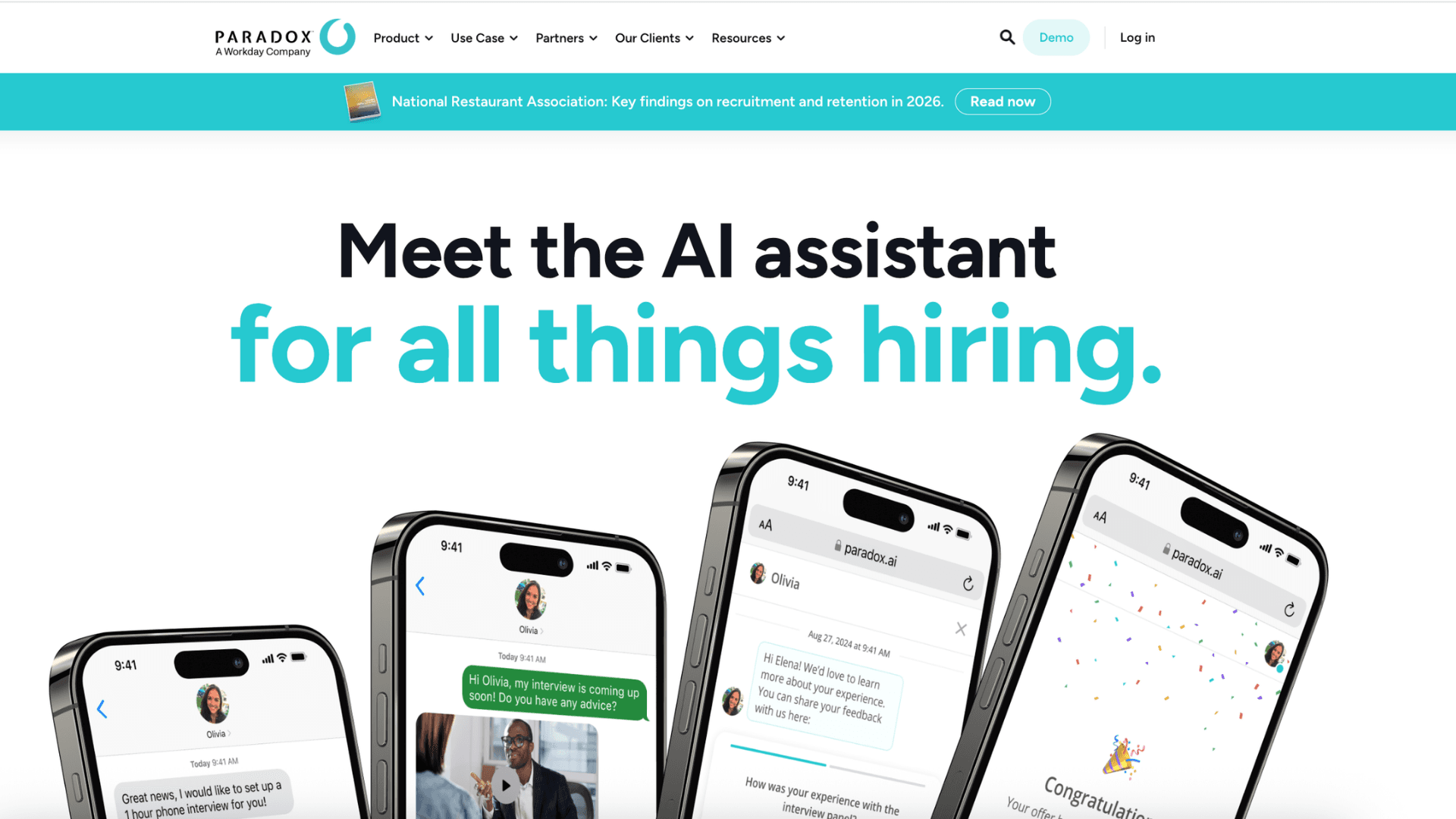
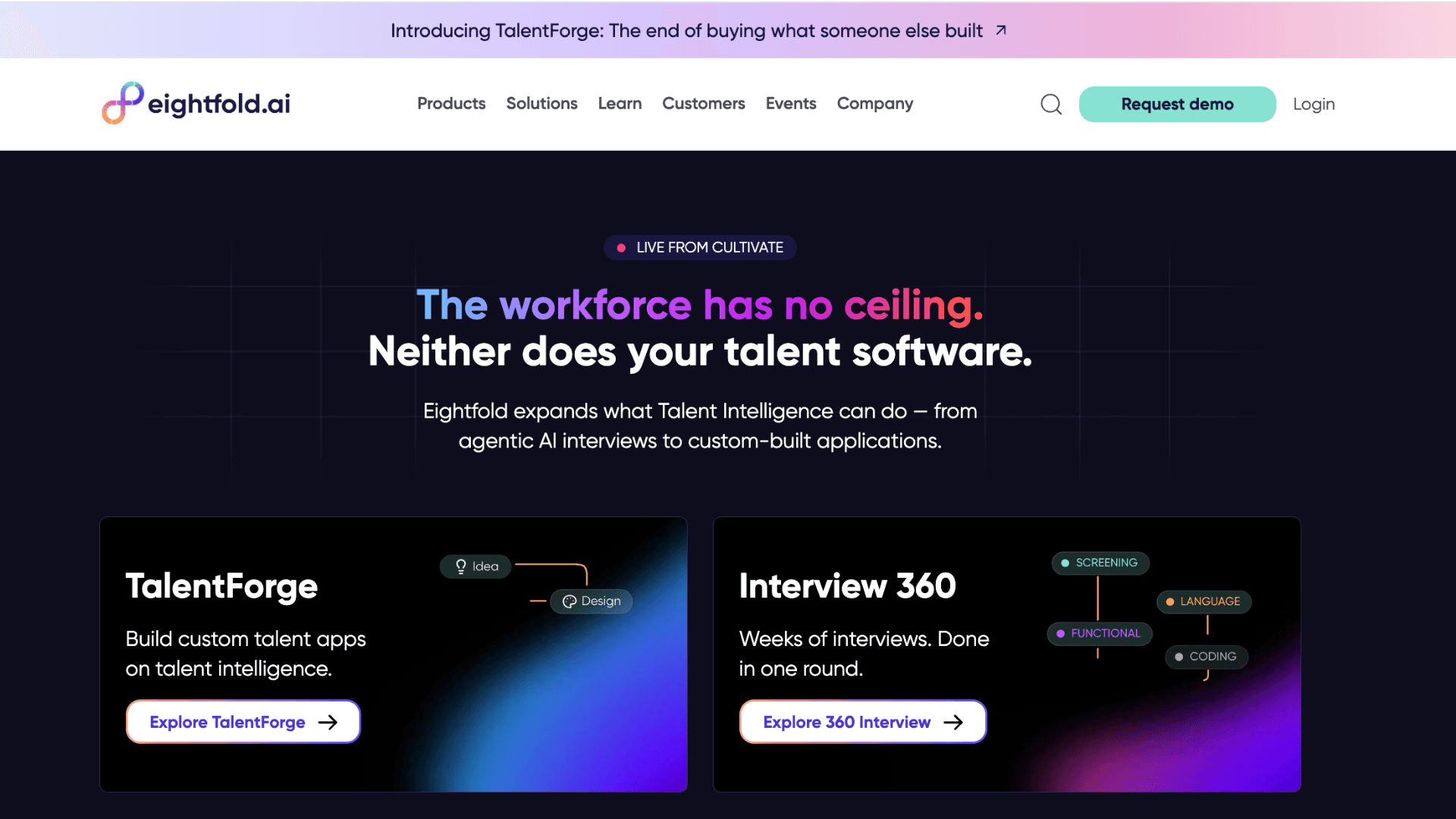
Platform Spotlight: Paradox Olivia and Eightfold AI bring agent capabilities to talent acquisition and HR operations. Paradox focuses on conversational recruiting—screening, scheduling, and answering candidate questions via chat. Eightfold uses deep learning to match candidates to roles and internal mobility opportunities. Both prioritize candidate experience and reduce administrative load on recruiters.
Key Challenges to Consider Before Deploying Agents
AI agents deliver real value, but they are not plug-and-play solutions. Teams that skip the groundwork often face frustrating setbacks or limited ROI. Understanding these common pitfalls upfront helps you plan for success rather than reacting to problems later.
Data Access and Security Governance
Agents need permission to read and act across multiple systems, which expands your security surface. Without clear role-based access controls and audit logs, you risk exposing sensitive data or enabling unintended actions. Start with read-only access for non-critical workflows, then gradually expand permissions as you validate behavior. Security teams should be involved from day one, not brought in after deployment.
Managing Hallucinations and Edge Cases
Even advanced agents can make confident but incorrect decisions when faced with ambiguous input. A support agent might misinterpret a frustrated customer's tone, or a finance agent could misclassify an unusual invoice. Build in human-in-the-loop checkpoints for high-stakes actions, and log uncertain decisions for review. Over time, these feedback loops train the agent to handle edge cases more reliably.
Integration Complexity with Legacy Systems
Many enterprises run on older ERP, CRM, or custom tools that lack modern APIs. Connecting agents to these systems often requires custom middleware or workflow wrappers, which adds time and cost. Before committing to a platform, map your critical integrations and test connectivity with a proof of concept. Sometimes starting with a greenfield workflow is faster than retrofitting legacy infrastructure.
Measuring Impact Beyond Automation Rates
It is tempting to track success by how many tasks an agent completes automatically. But the real metric is business outcome: faster resolution times, higher conversion rates, or reduced employee burnout. Define clear KPIs before launch and instrument your systems to capture both efficiency gains and quality signals. This data helps you iterate on agent behavior and justify further investment.
Final Thoughts: Start Small, Think Big
AI agents are no longer a futuristic concept. As the AI agent examples throughout this article show, businesses are already using them in support centers, engineering teams, finance departments, and beyond. The common thread across successful deployments is focus: teams pick one well-defined workflow, measure the baseline, and iterate based on real user feedback.
You do not need to automate everything at once. In fact, starting with a narrow, high-friction task—like password resets, invoice matching, or interview scheduling—builds confidence and proves value quickly. Once the pattern works, you can expand to more complex workflows with greater impact.
The technology is ready. The question is which workflow you will augment first.
If you are looking at agents for your own team, the hardest part is often connecting the AI to your actual systems—not the prompt engineering. That is where Haposoft comes in. The team helps businesses bridge that gap, turning agent concepts into secure, working integrations that fit existing workflows.
If that sounds like what you need next, it might be worth a conversation.






.png&w=828&q=75)